AI Studio
Summary: XBRUSH AI Studio is an AI-powered premium ad video creation service. Using AI models from the marketplace, produce professional-quality ad videos — no filming required. Register your own likeness as a Persona to earn revenue each time your model is used.
What is AI Studio?
AI Studio is XBRUSH's integrated service for creating premium ad videos with AI. Choose an AI model from the marketplace, add your product, write a script, and an AI-generated advertisement is produced automatically. It supports two creation workflows — Talk2U and Cinema — each suited to different ad formats and use cases.
You can also register your own likeness as an AI model (called a Persona) to list it on the marketplace and earn credits each time another creator uses it.
How to Access AI Studio
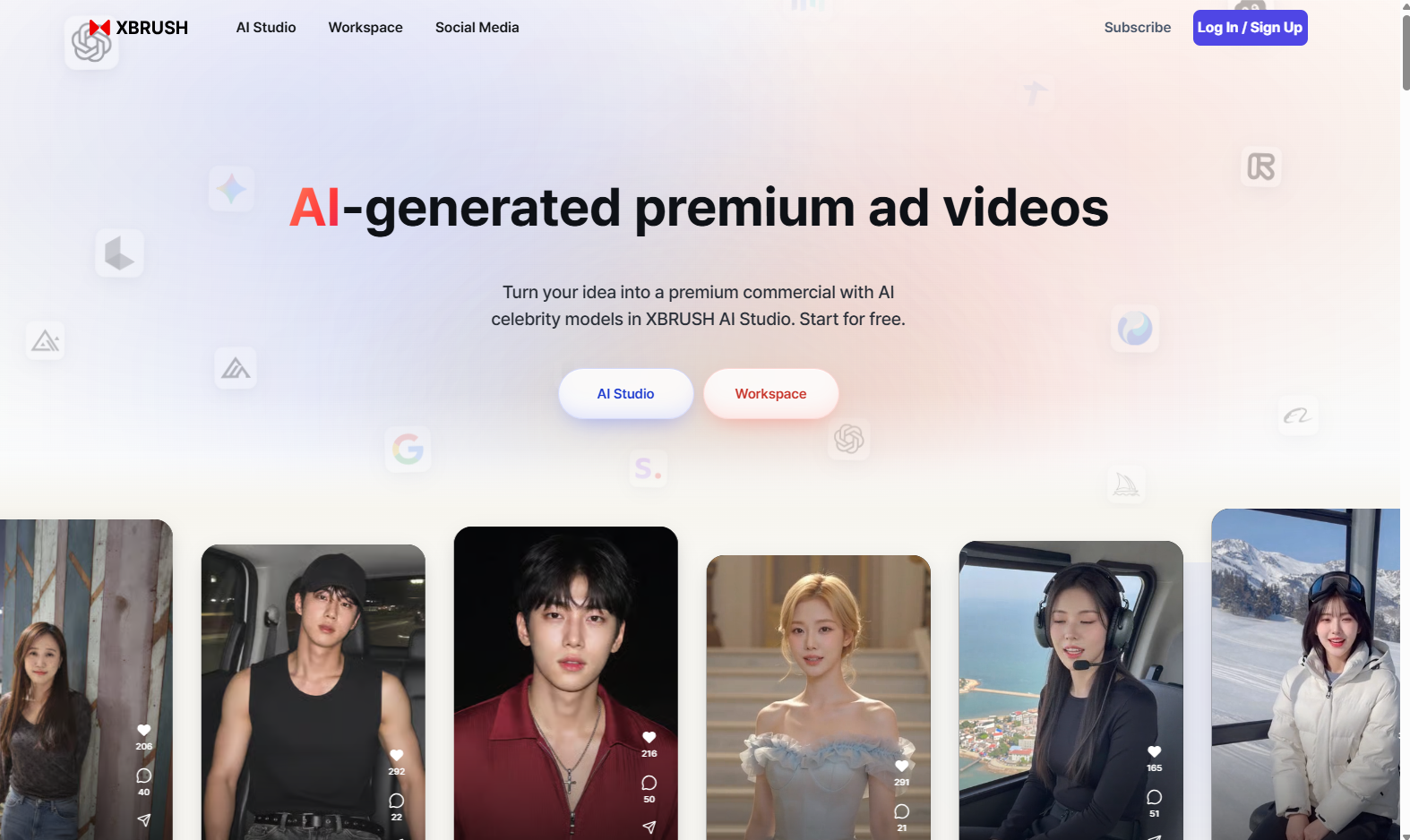
AI Studio home — "AI로 만드는 프리미엄 광고 영상"
- Log in to XBRUSH at xbrush.ai.
- Click AI Studio (AI 스튜디오) in the top navigation bar.
- AI Studio opens within your XBRUSH account — no separate login required.
Navigation — Default Sidebar
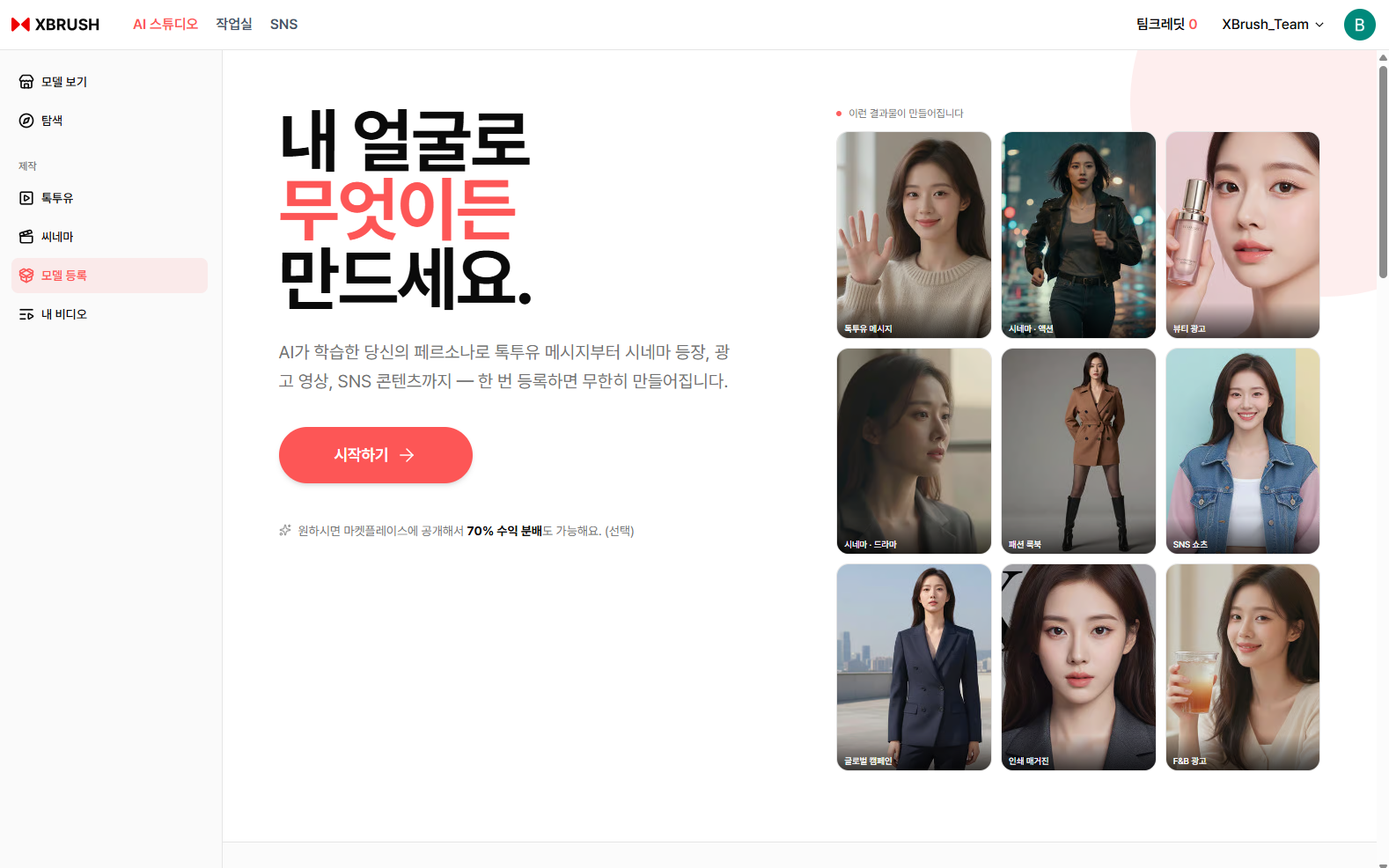
Before registering a persona, the left sidebar shows six menus.
| Menu | Description |
|---|---|
| 모델 보기 | Browse and select AI models from the marketplace |
| 탐색 | Explore publicly shared ad videos |
| 툭투유 | Generate ad videos with product synthesis and script |
| 씨네마 | Create professional brand ads from premium templates |
| 모델 등록 | Register your likeness as a persona to earn revenue |
| 내 비디오 | Manage and download your generated videos |
Model Marketplace (모델 보기)
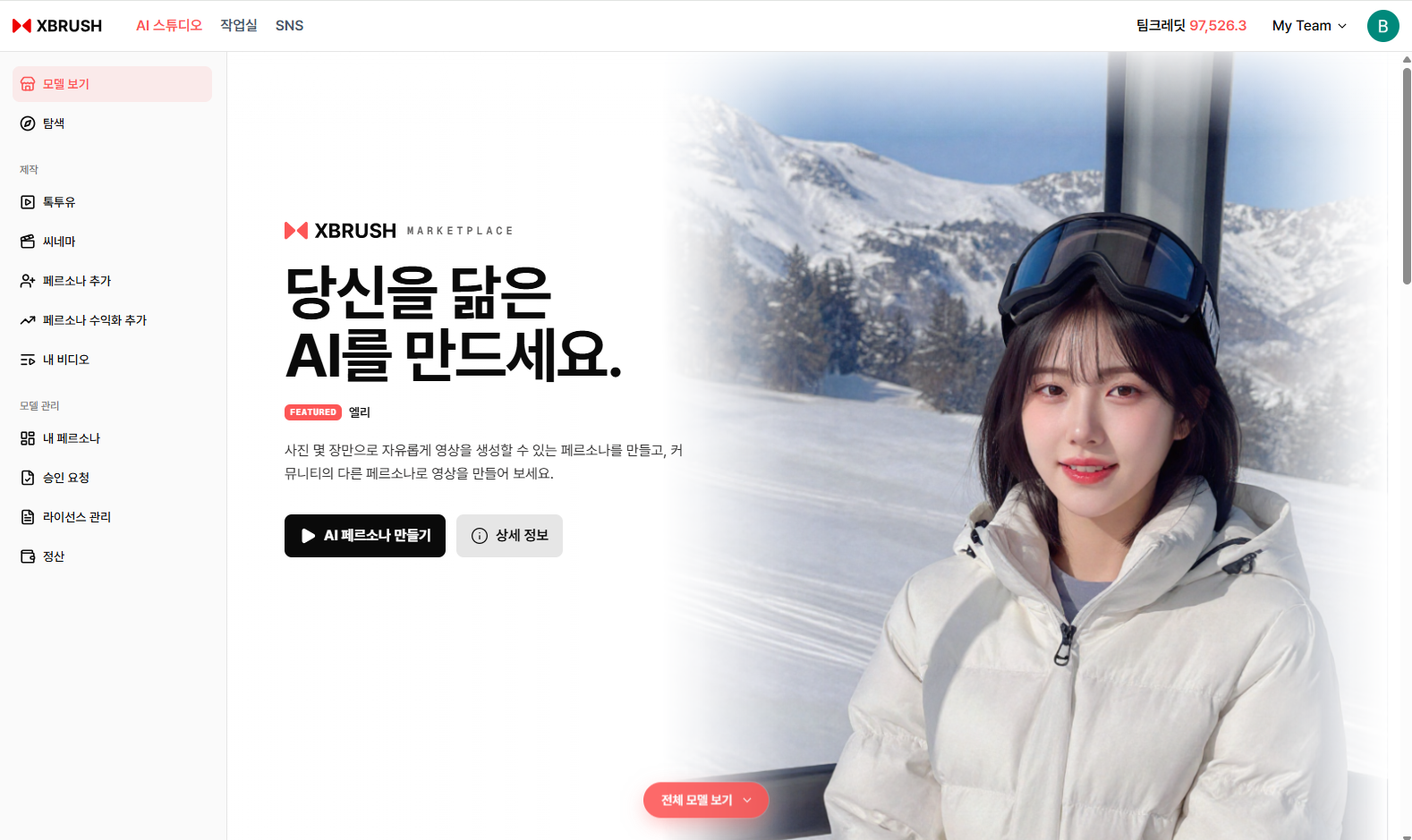
Browse AI models optimized for ad video production.
- Browse AI models registered on the AI Studio marketplace.
- Filter by Category and Tag, or sort by Most Popular.
- Click a model to enter the creation screen for that model.
- Models labeled Fast Forward are optimized for quick generation.
Content Search (탐색)
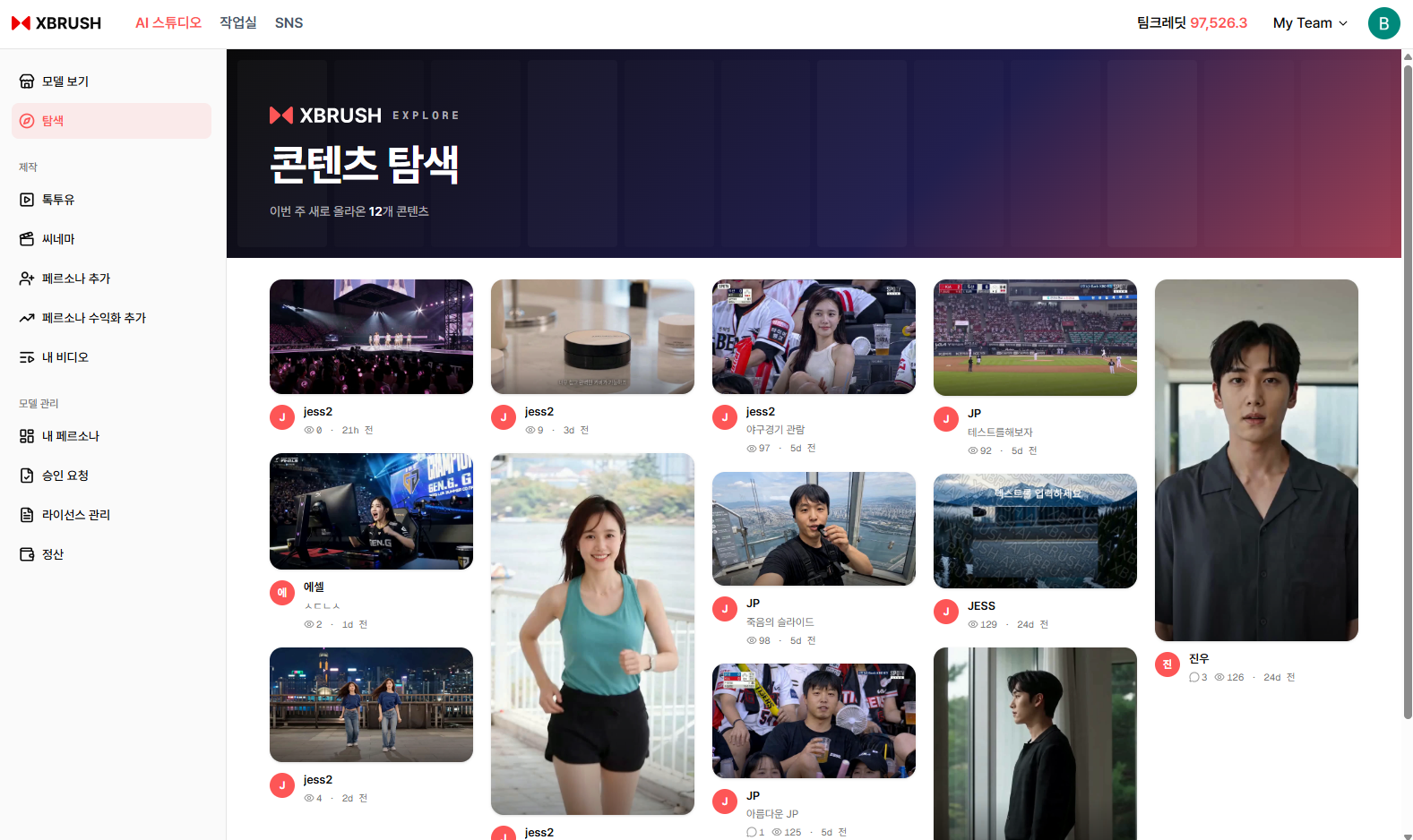
Browse ad videos generated by other creators.
- Explore ad videos shared by other creators for inspiration.
- Search by model name, tag, or keyword.
Talk2U (툭투유)
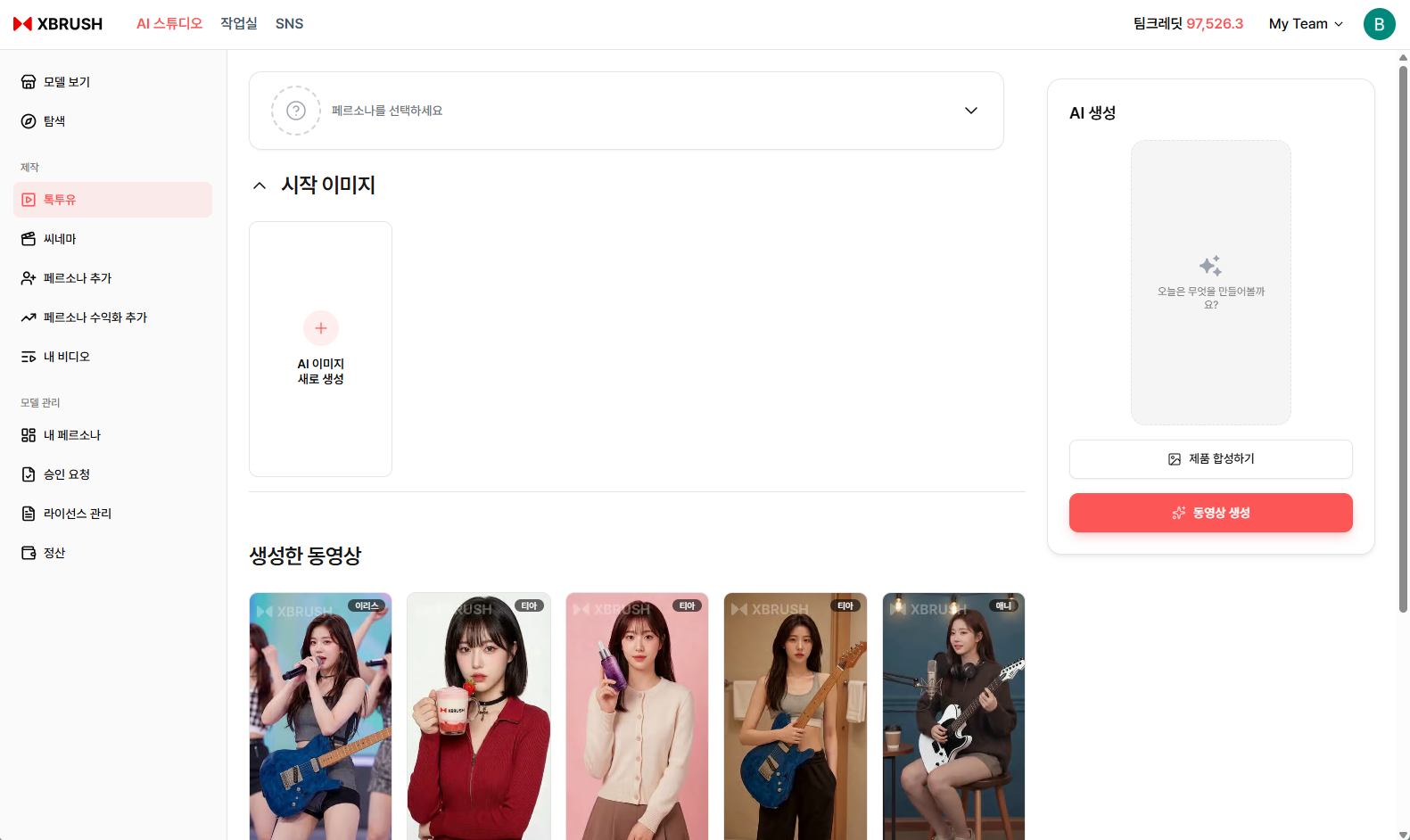
Talk2U workspace — select a model, synthesize your product, and generate a video.
Talk2U is AI Studio's core ad creation feature. Select an AI model, upload your product image, write a script, and generate a video of the model holding your product and delivering the lines. See the Talk2U guide for step-by-step instructions.
Cinema (씨네마)
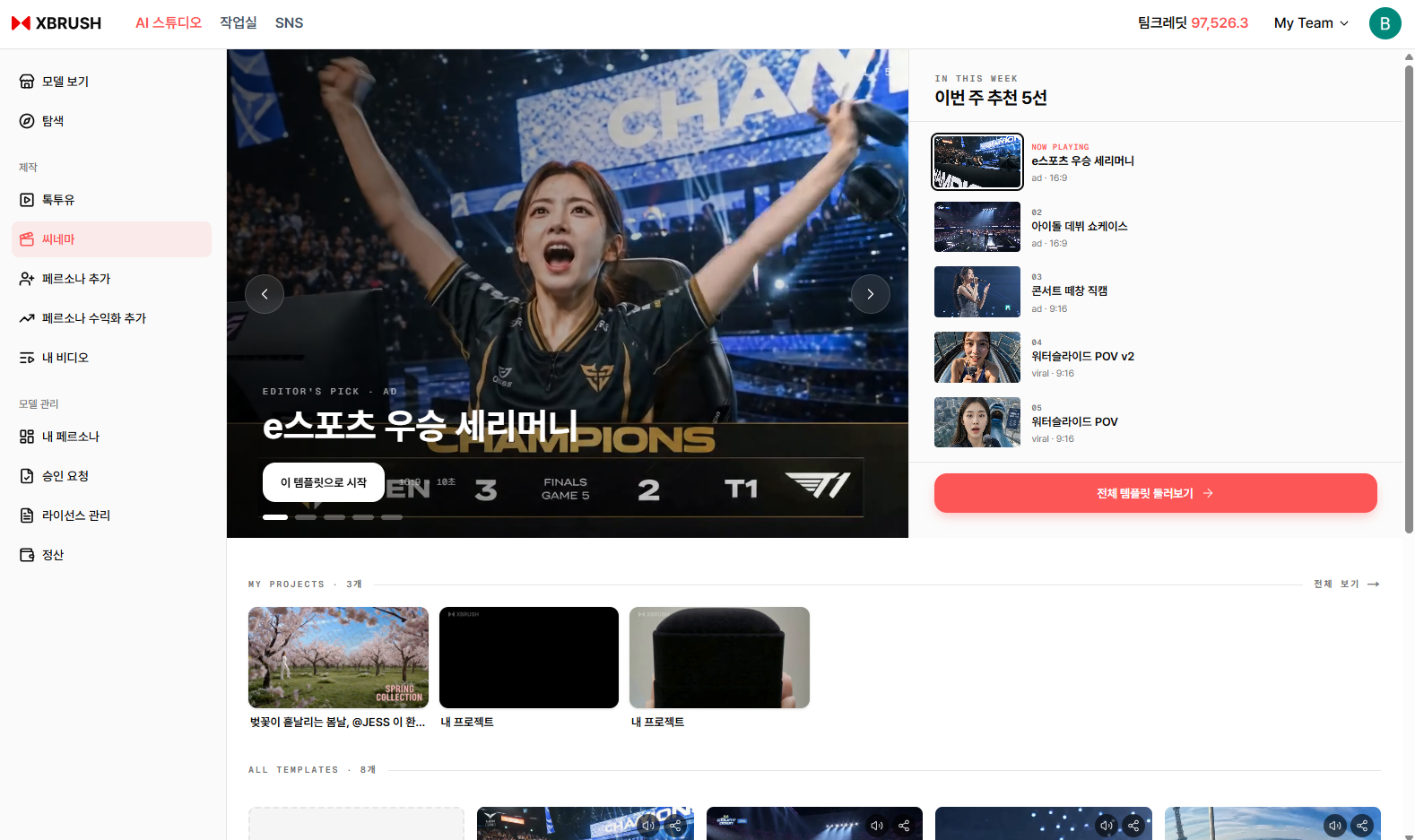
Cinema home — browse curated cinematic narrative templates.
Cinema creates premium cinematic advertisement videos using curated narrative templates. Select a template, review the assigned persona and script, generate an AI reference image, and produce a polished advertisement. See the Cinema guide for step-by-step instructions.
My Videos (내 비디오)
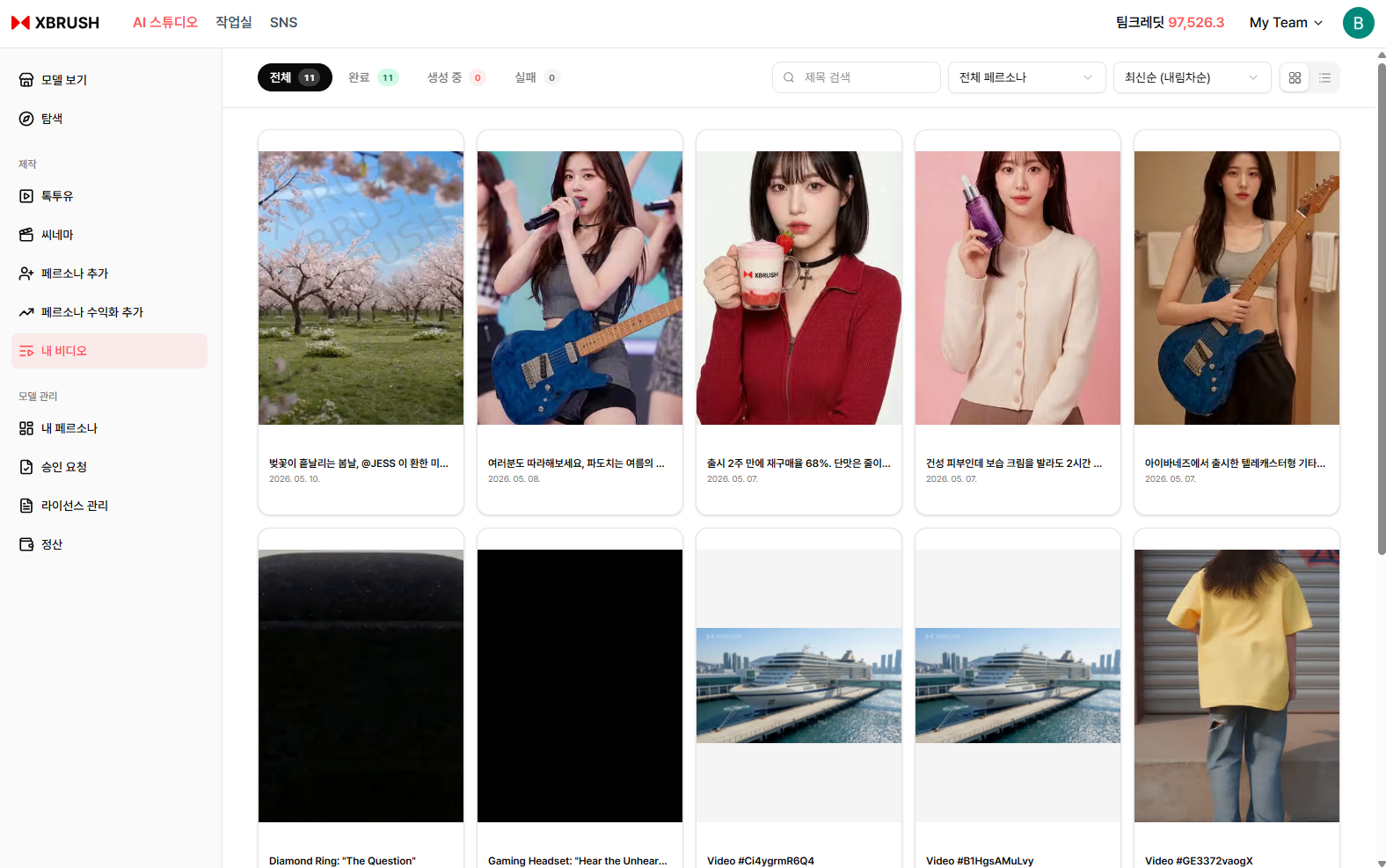
Your generated video library.
- All videos you have generated are listed here.
- Videos currently generating show a progress percentage.
- Click any video to preview or download it.
Navigation — After Persona Registration
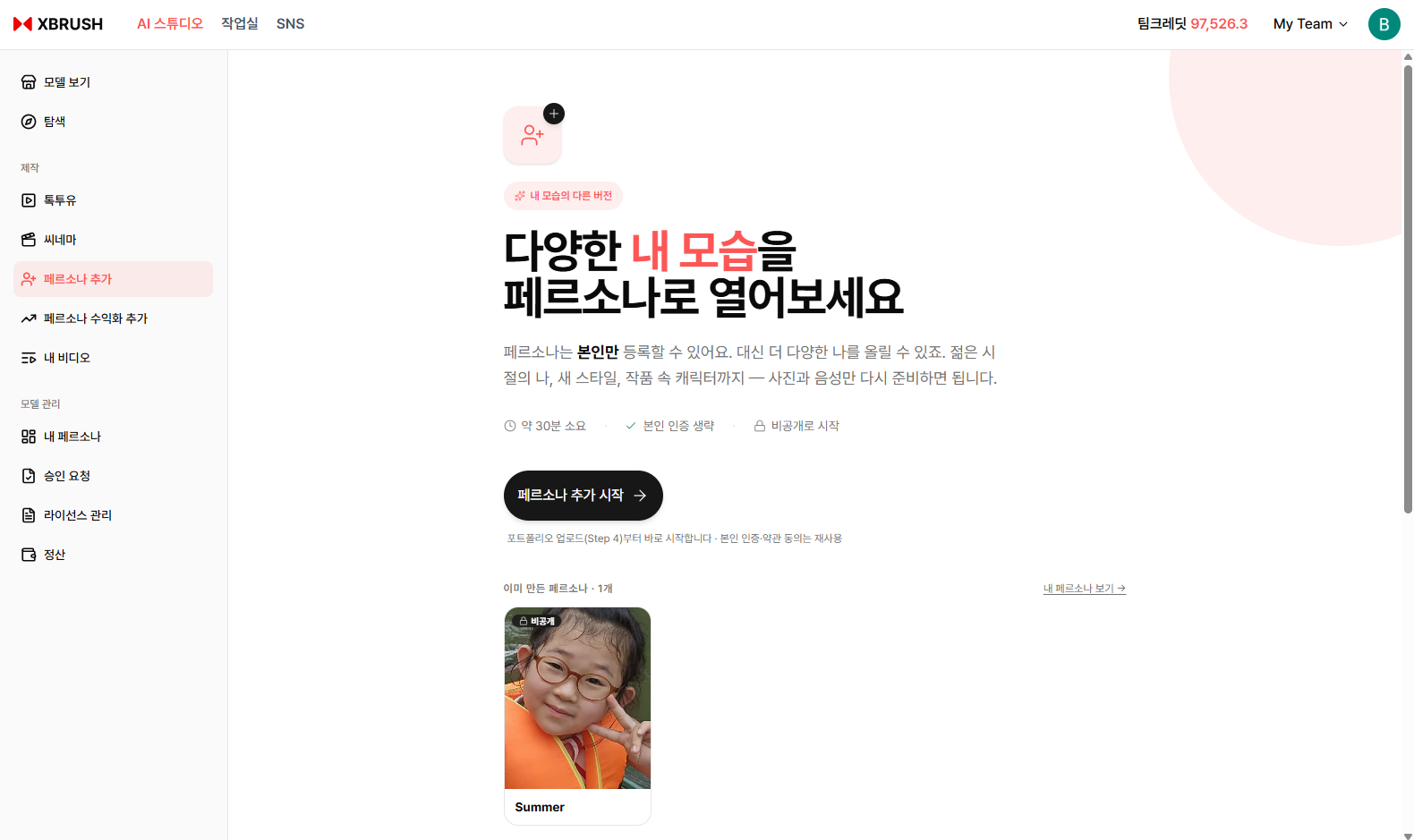
After registering a persona, additional menus appear in the left sidebar.
When you register your own likeness as an AI model through 모델 등록, that model is called a Persona. Once a persona is registered, the left sidebar expands with dedicated menus for managing your persona and revenue:
| Menu | Description |
|---|---|
| 페르소나 추가 | Register an additional persona |
| 페르소나 수익화 추가 | Submit a persona for marketplace monetization |
| 내 페르소나 | View and manage your registered personas |
| 승인요청 | Track the approval status of monetization requests |
| 라이선스 관리 | Manage usage licenses for your personas |
| 정산 | View earnings and credit settlement history |
For step-by-step instructions on creating a persona and managing revenue, see the Model Registration (Persona) guide.
My Persona (내 페르소나)
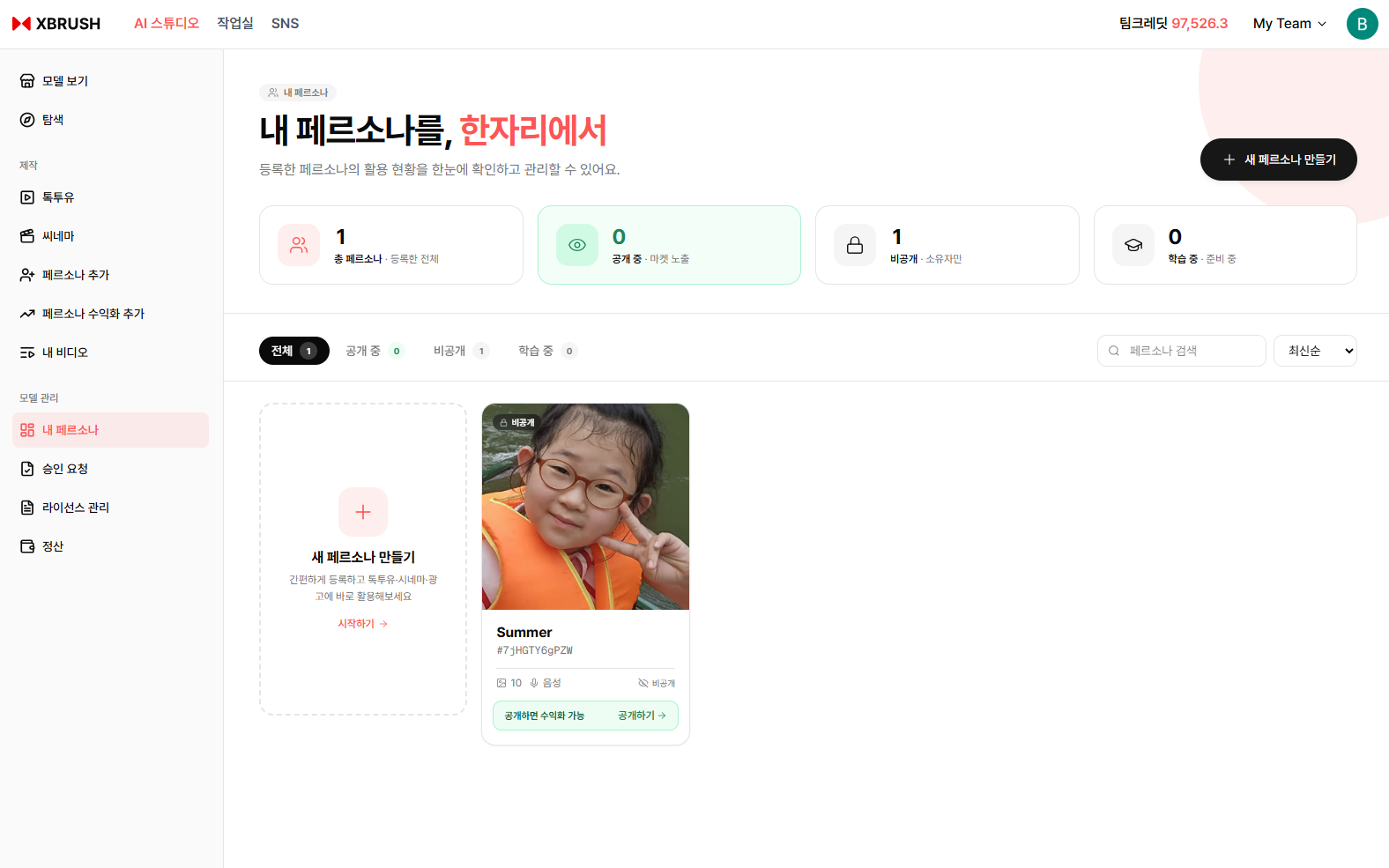
View and manage all your registered AI personas.
- View all personas you have registered along with their current status.
- Manage persona details or remove a persona from the marketplace.
Persona Monetization (페르소나 수익화 추가)
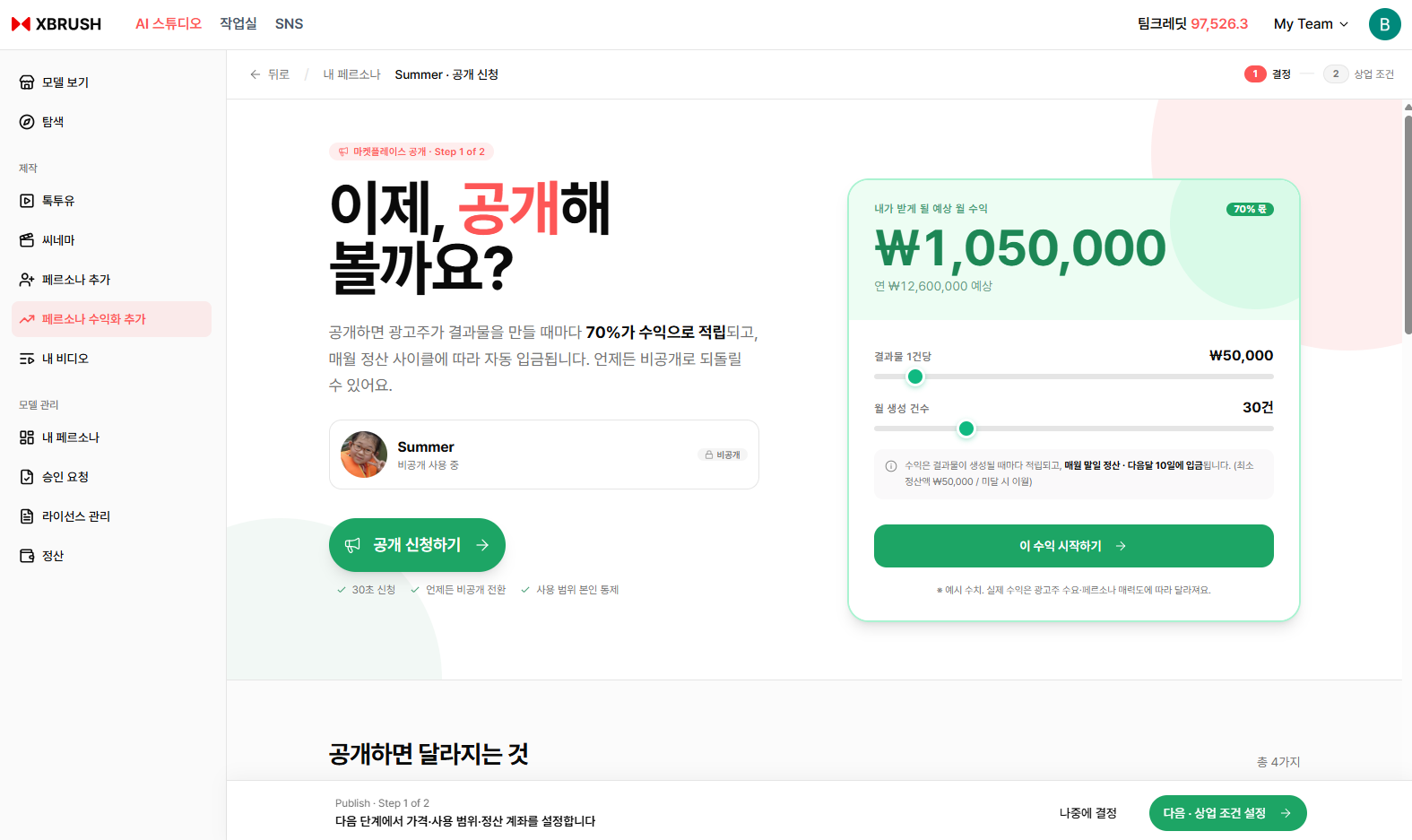
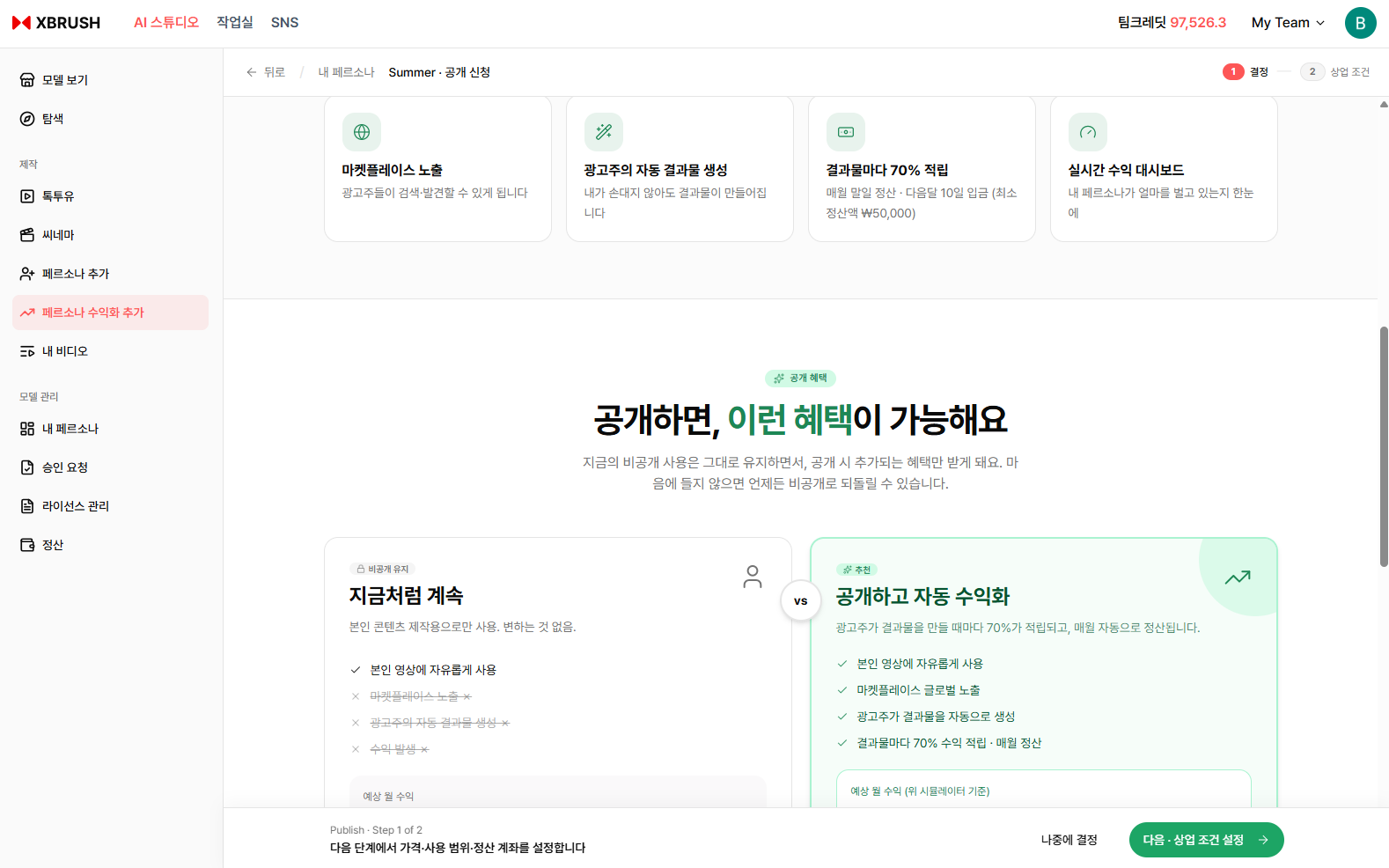
Submit a persona for monetization to earn credits when other users generate ad videos with it.
- Select a registered persona and submit it for marketplace monetization.
- Once approved, the persona is listed in the marketplace and earns credits each time it is used.
Approval Request (승인요청)
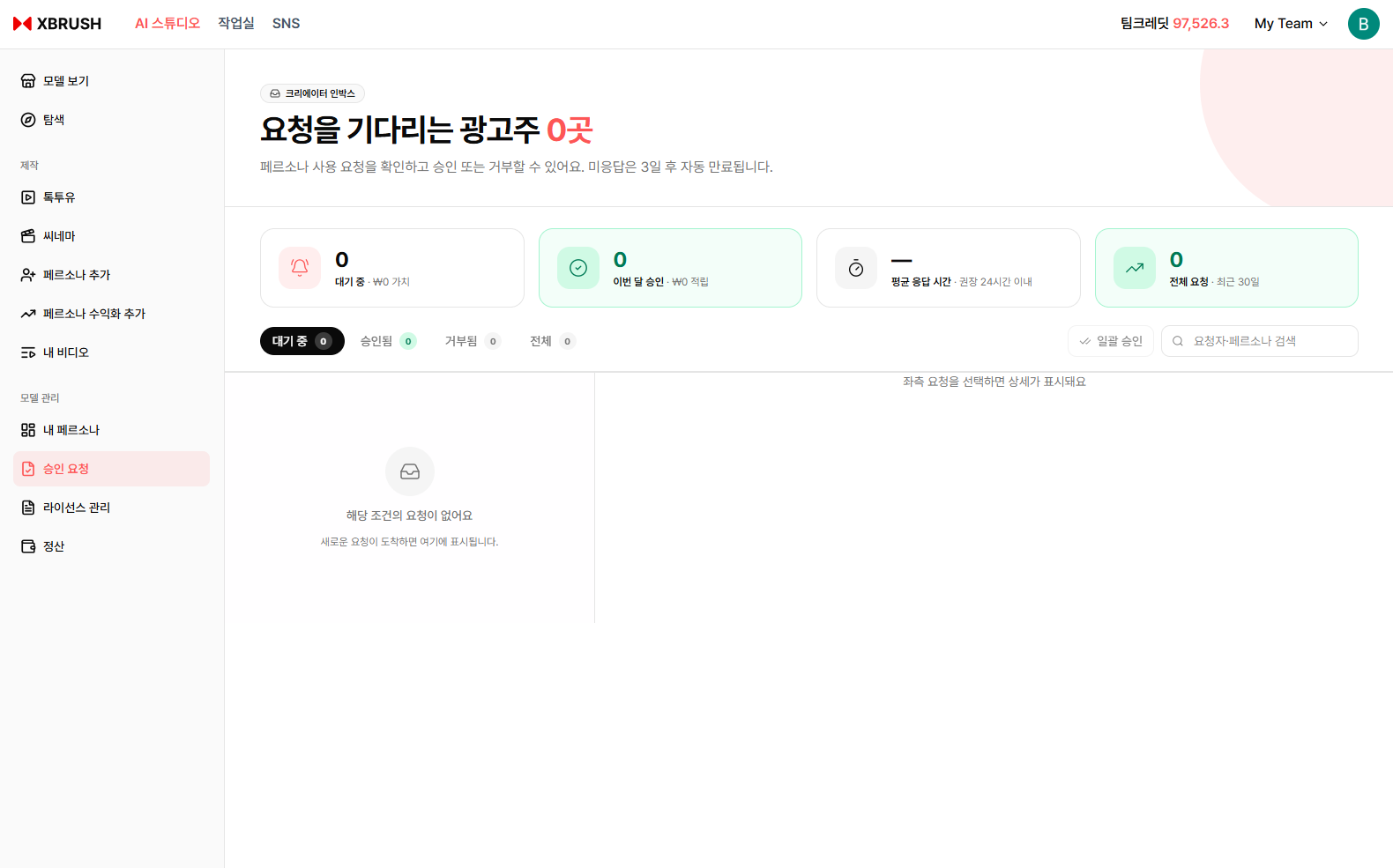
Track the review status of your monetization requests.
- View the approval status of each persona submitted for monetization.
- Statuses include pending review, approved, and rejected.
License Management (라이선스 관리)
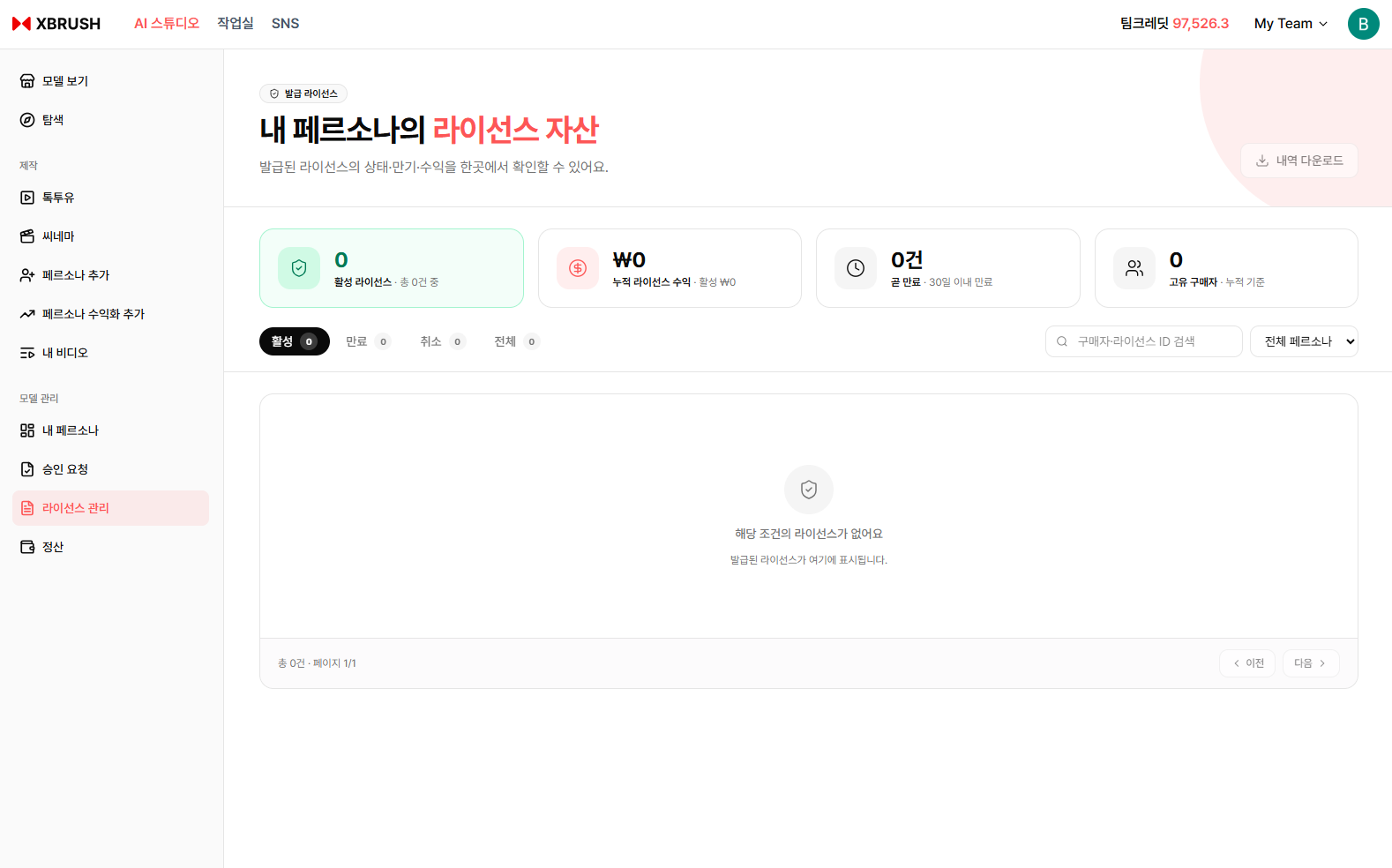
Manage usage licenses for your personas.
- Review how and where each persona is licensed for use.
- Adjust license terms or withdraw a persona from active use.
Settlement (정산)
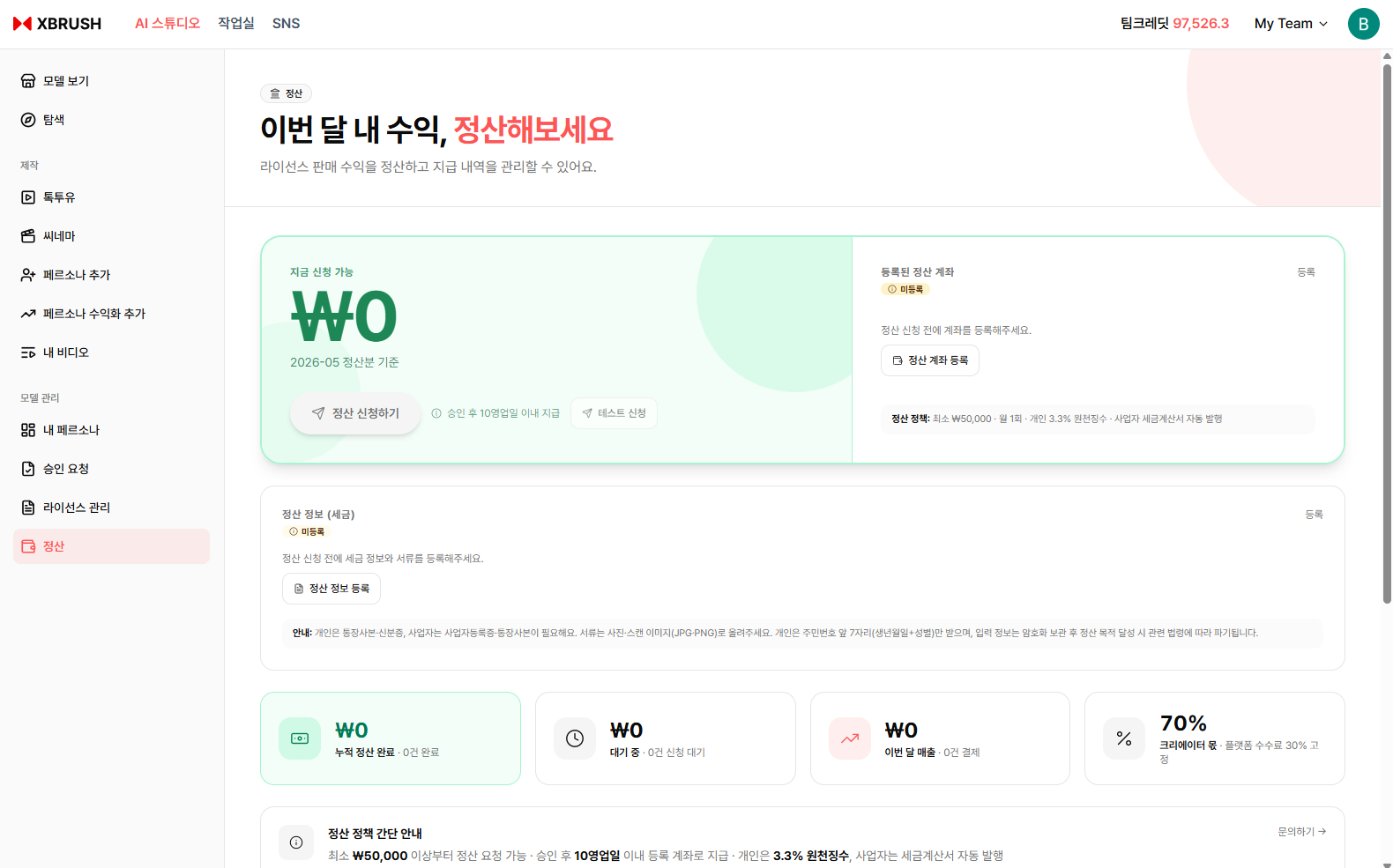
View your earnings and credit settlement history.
- Track revenue earned from each persona across campaigns.
- View detailed transaction history for credits received.