Editor Page Management · Context Menu · Export
Summary: This page explains the context menus, page management (reorder, duplicate, add, delete), downloading as PDF/SVG/PNG/JSON, and saving in the XBRUSH Editor.
Context Menus
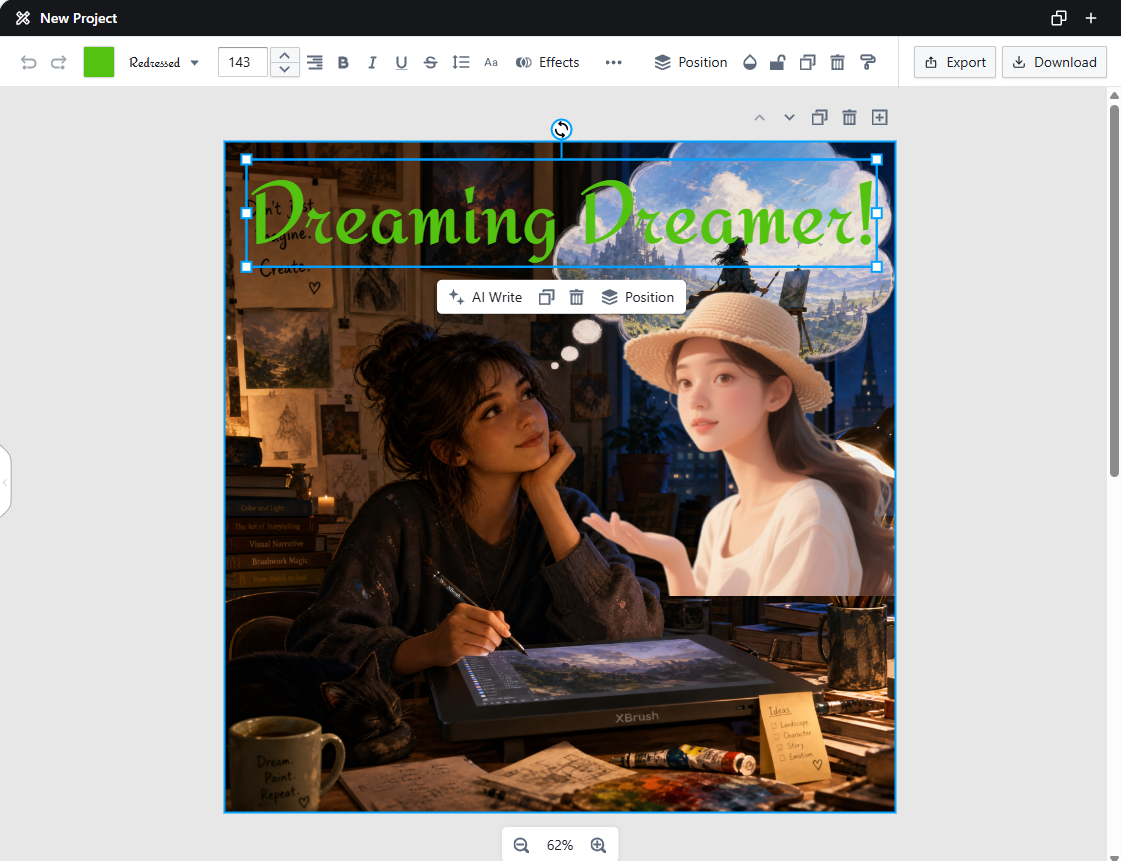
Left-Click Context Menu
- AI Write: Appears only when a text element is selected.
- Duplicate Element:
- Remove Element:
- Position: Layer adjustment and alignment options.
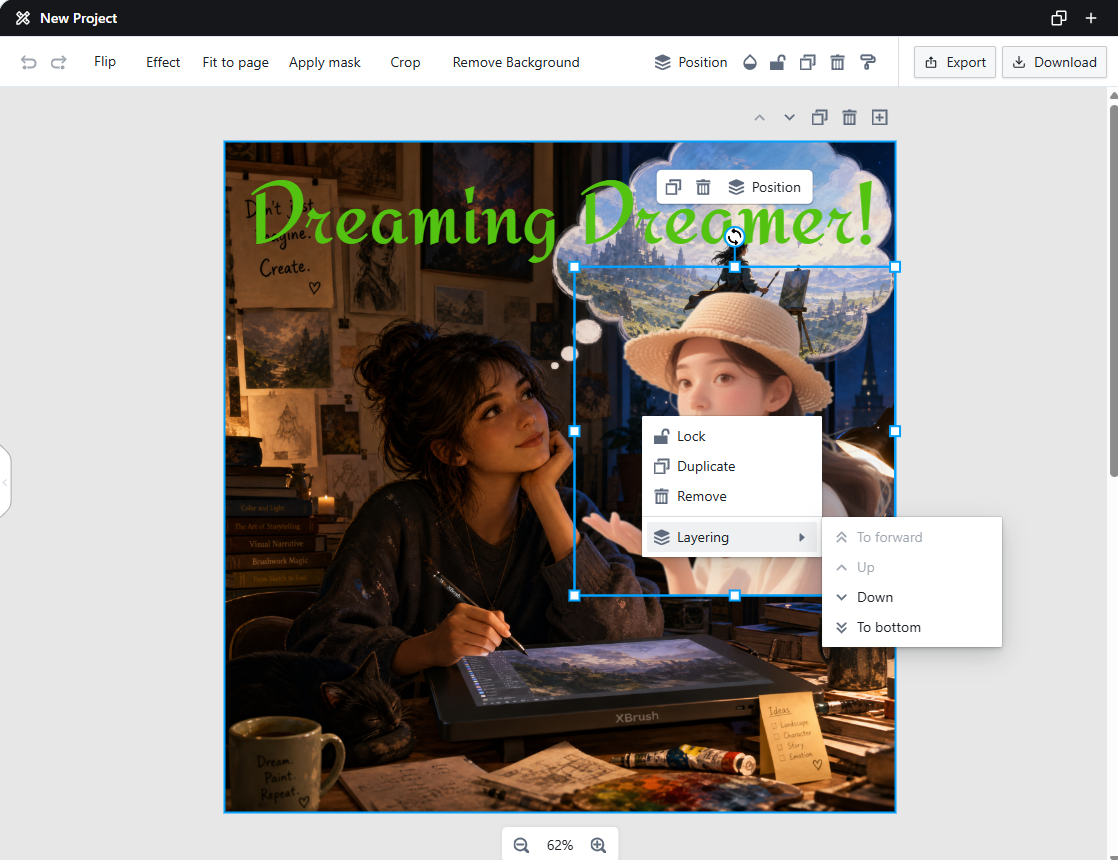
Right-Click Context Menu
- Lock:
- Duplicate:
- Remove:
- Layering: Adjust the stacking order of layers.
Page Menu
Page Order

Page Order
- Reorder pages by dragging them to a new position.
Duplicate Page

Duplicate Page
- Duplicates the selected page and adds the copy below it.
Delete Page
- Deletes the selected page.
Add Page

Add Page
- Adds a new blank page to the design.
Export
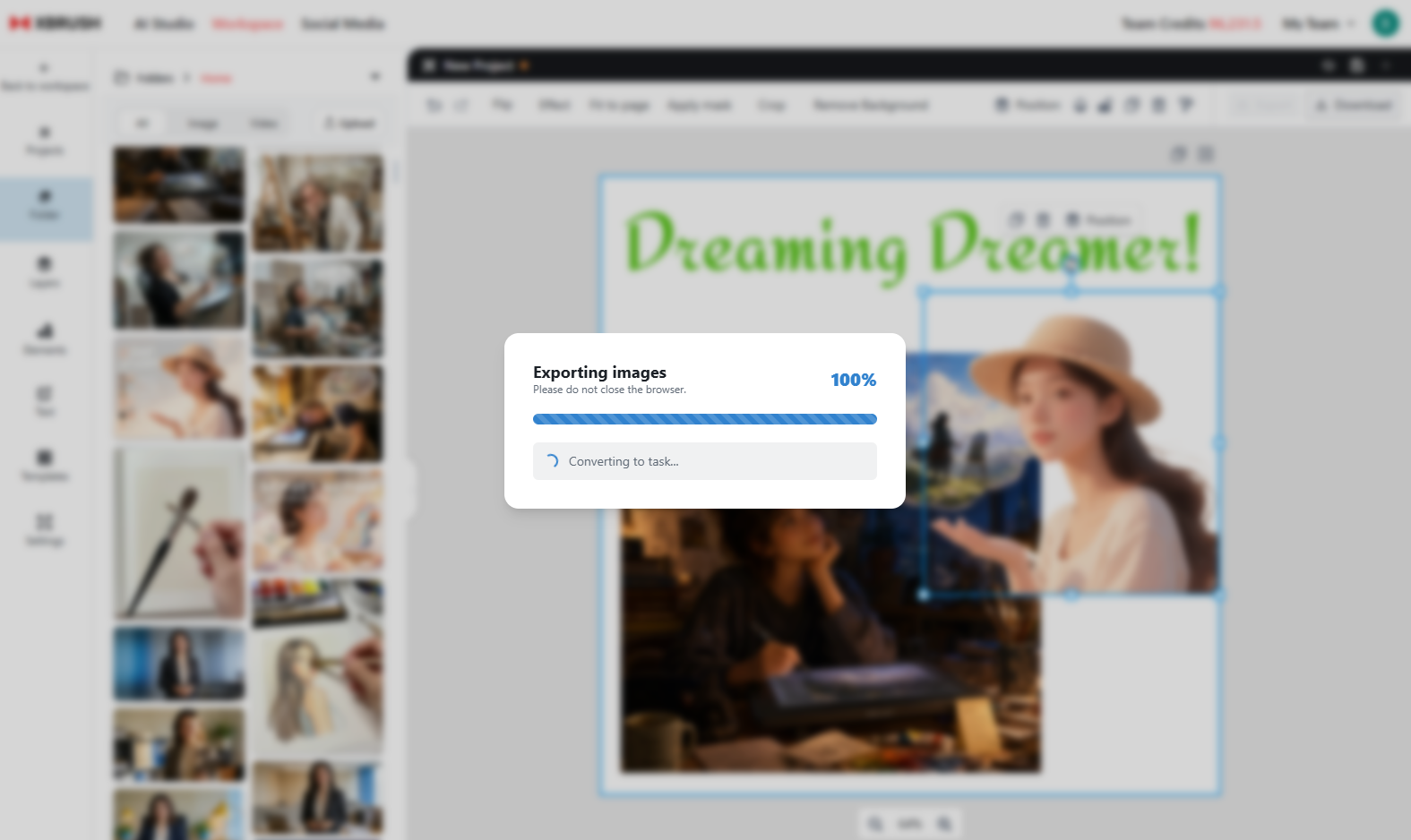
Export
- Export selected pages as a task in your workspace to view them alongside your generated images and videos as individual image units.
Download
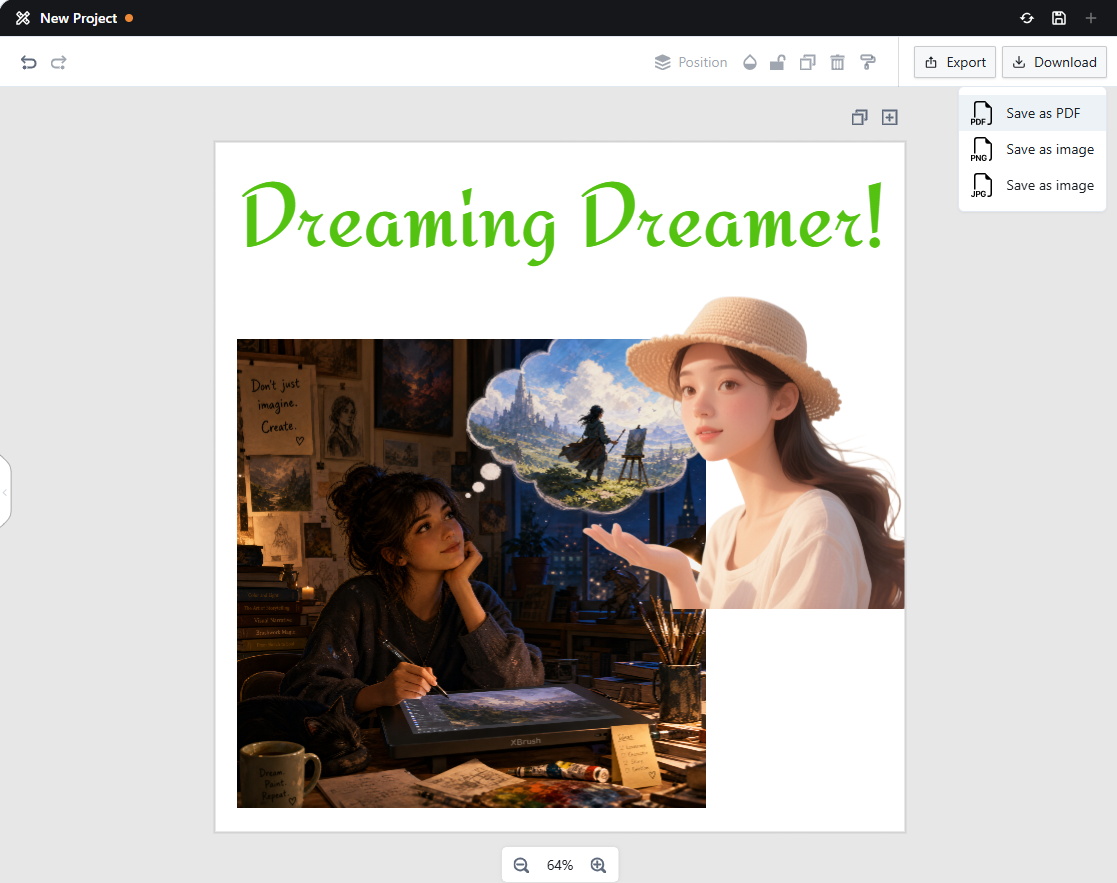
Download
- Download your finished design.
- Four file formats are supported: PDF, SVG, PNG, and JSON.
Save
- You can save your work at any time using the Save button as you go.
Next Steps
- Publish — Share publicly and review guidelines