Editor Tools (Image & Text)
Summary: This page covers the image editing tools (flip, effects, crop, background removal, opacity, and more) and text editing tools (font, alignment, effects, and AI Write) available in the XBRUSH Editor.
Top Bar: Image Editing Menu
- Undo / Redo: The two rotating arrow icons at the far left of the editor's top bar let you undo or redo actions.
Flip
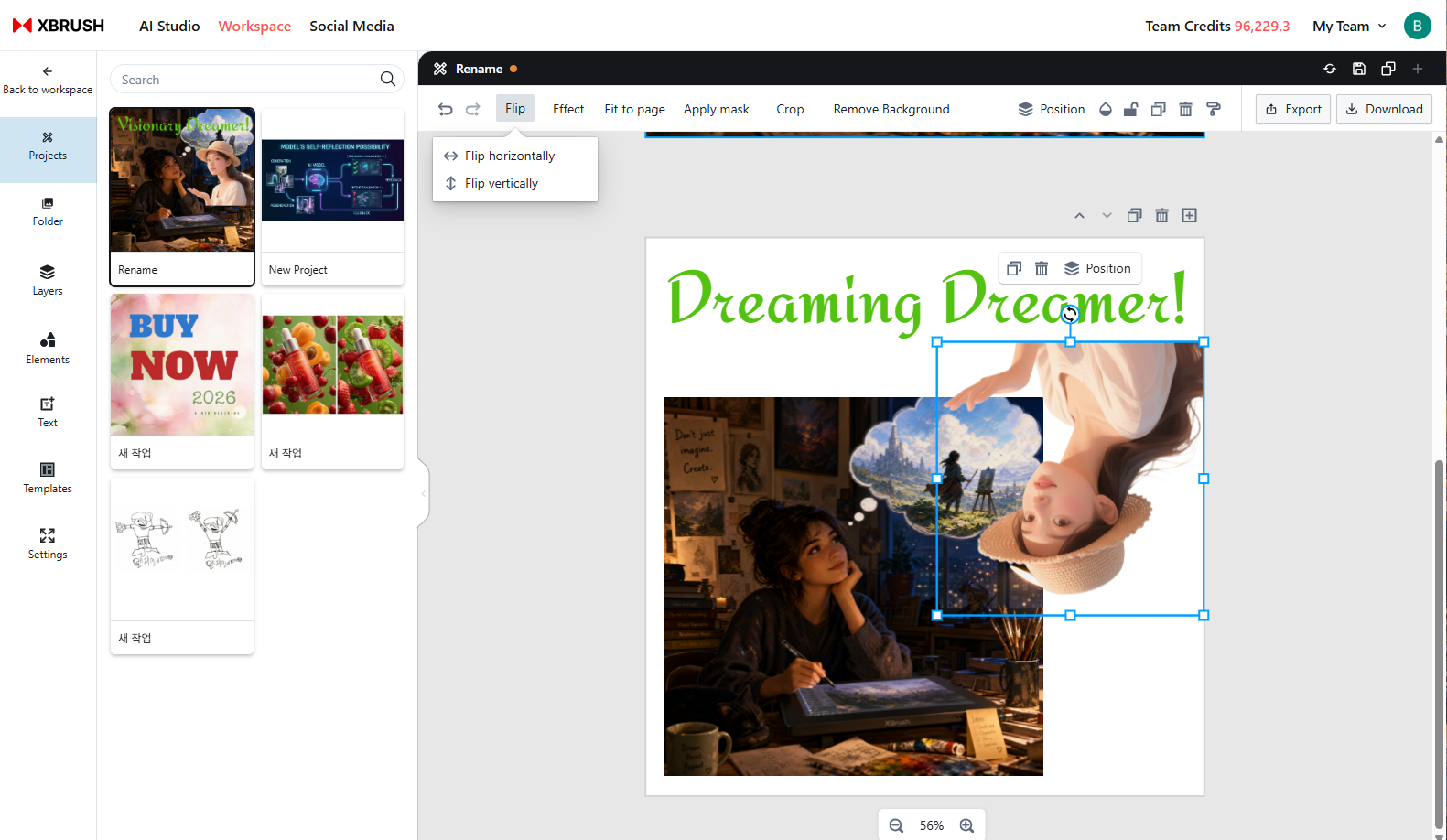
Flip
- The Flip menu lets you flip the selected element horizontally or vertically.
- Flip Horizontal swaps the left and right sides of the image.
- Flip Vertical swaps the top and bottom of the image.
Effects
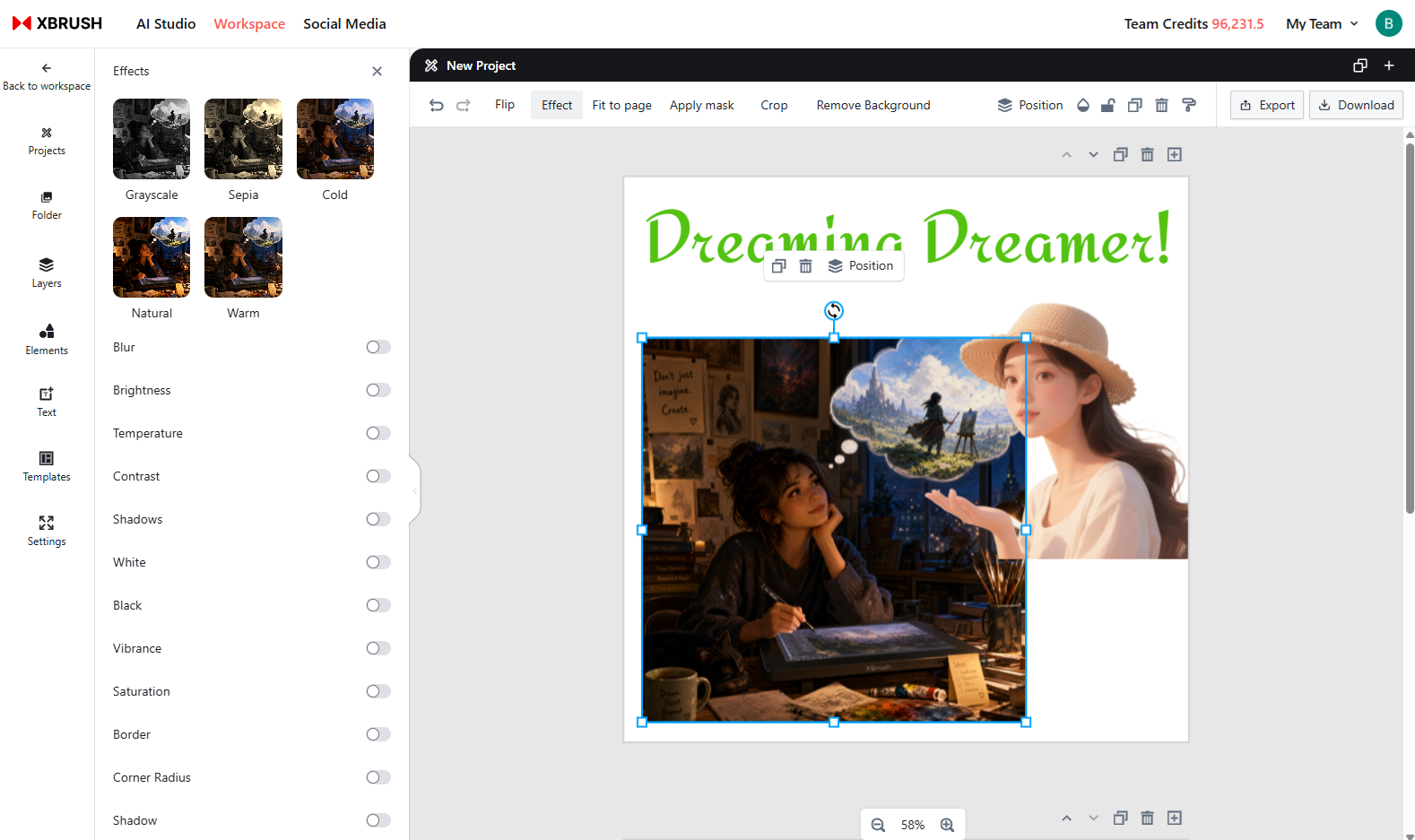
Effects
- Apply a variety of visual effects to the selected element using the Effects menu.
Fit to Page
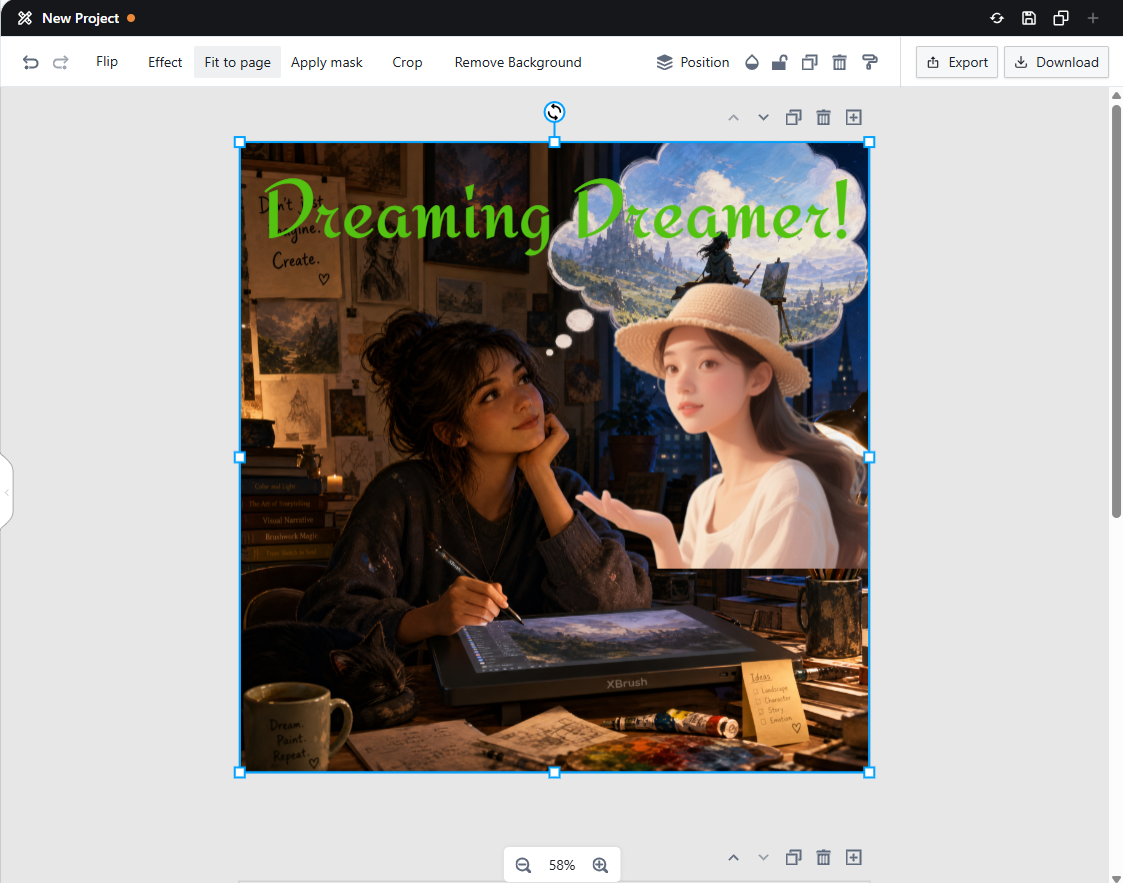
Fit to Page
- Clicking Fit to Page resizes the selected element to fill the page.
Apply Mask
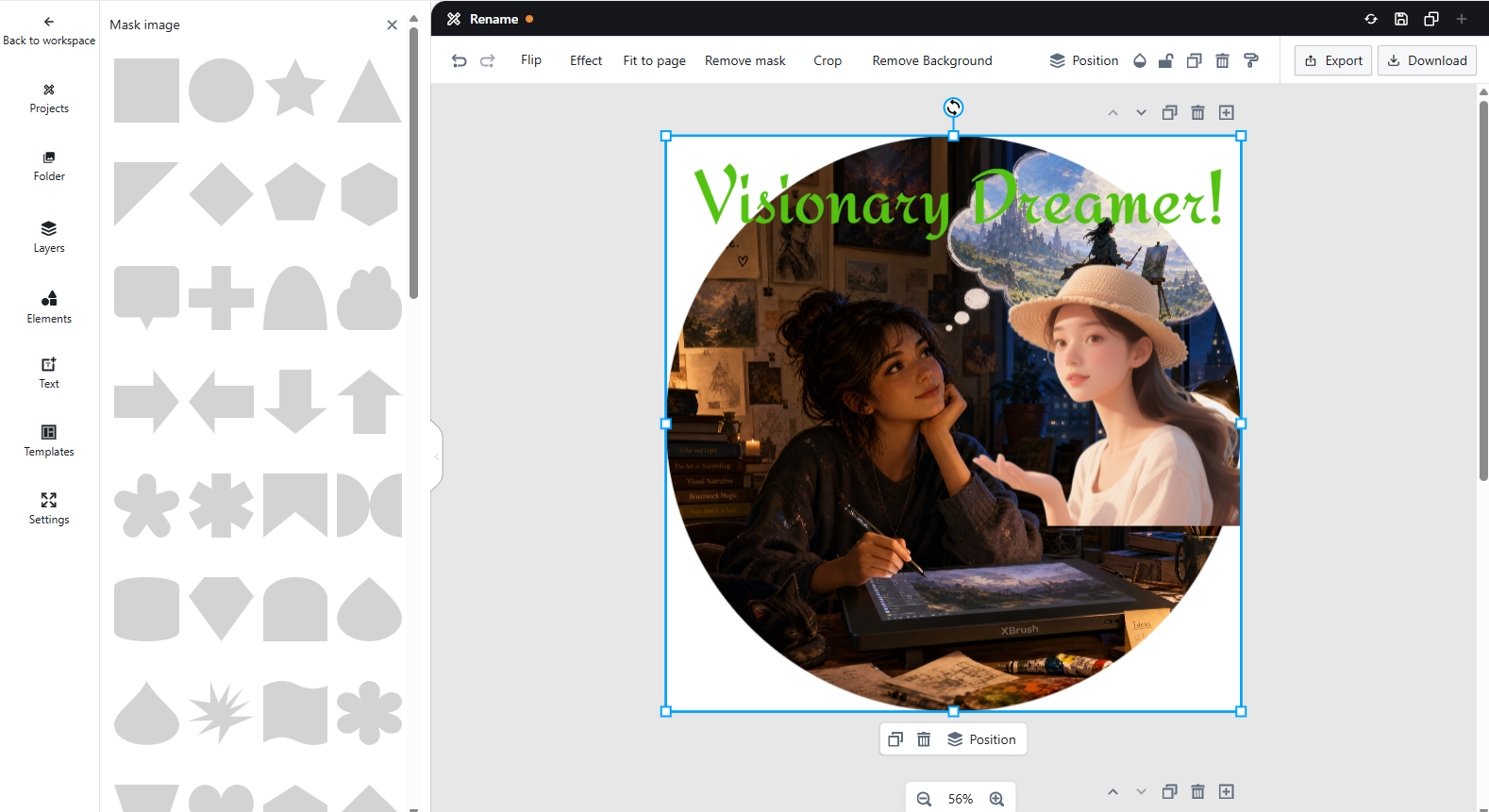
Apply Mask
- Apply a mask to the selected element to reveal it in a specific shape; everything outside the masked area will be hidden.
Crop
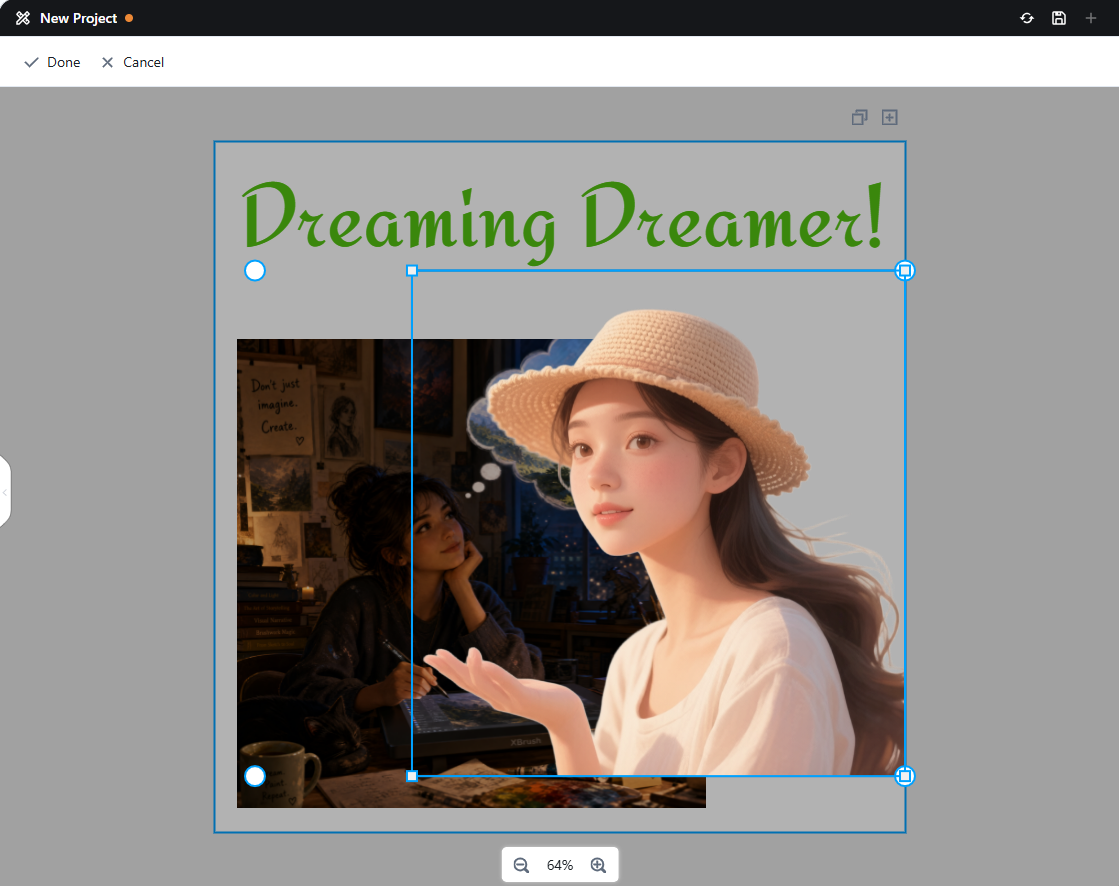
Crop
- Crop an image to your desired dimensions.
Background Removal
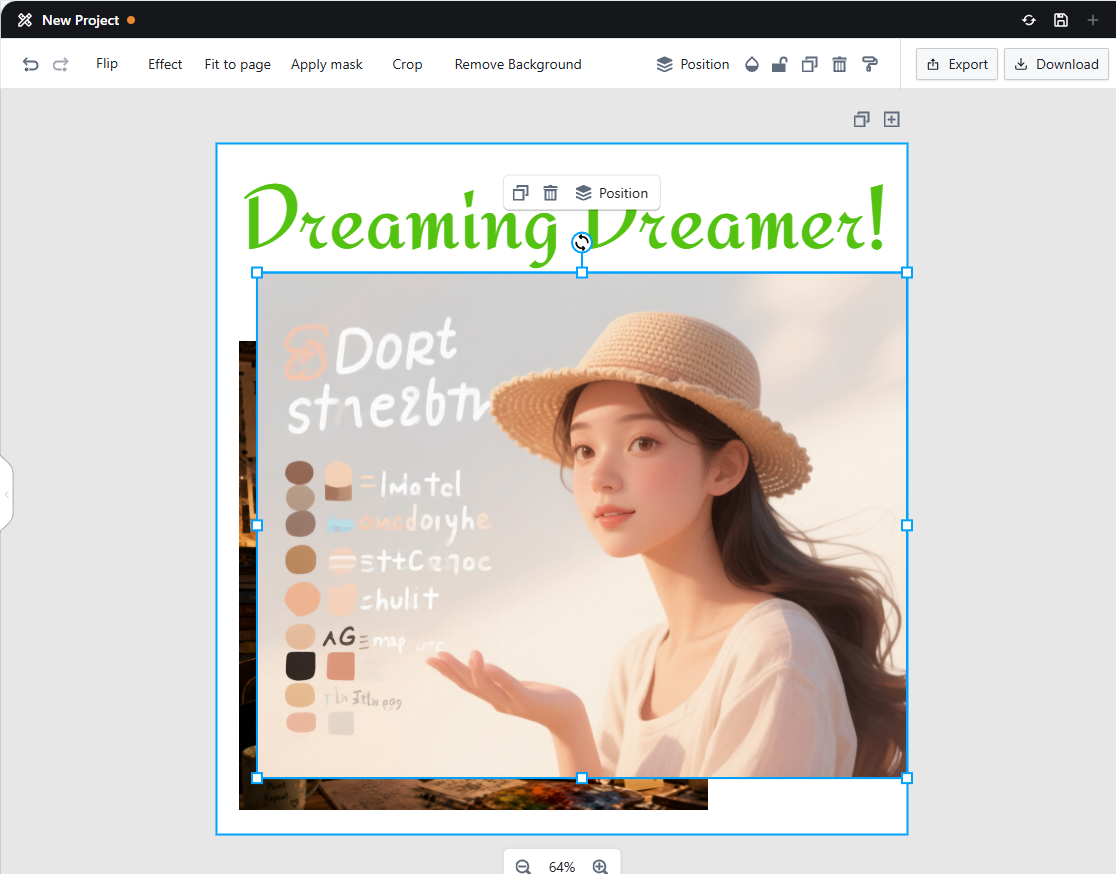
Background Removal
- Remove the background from the selected image.
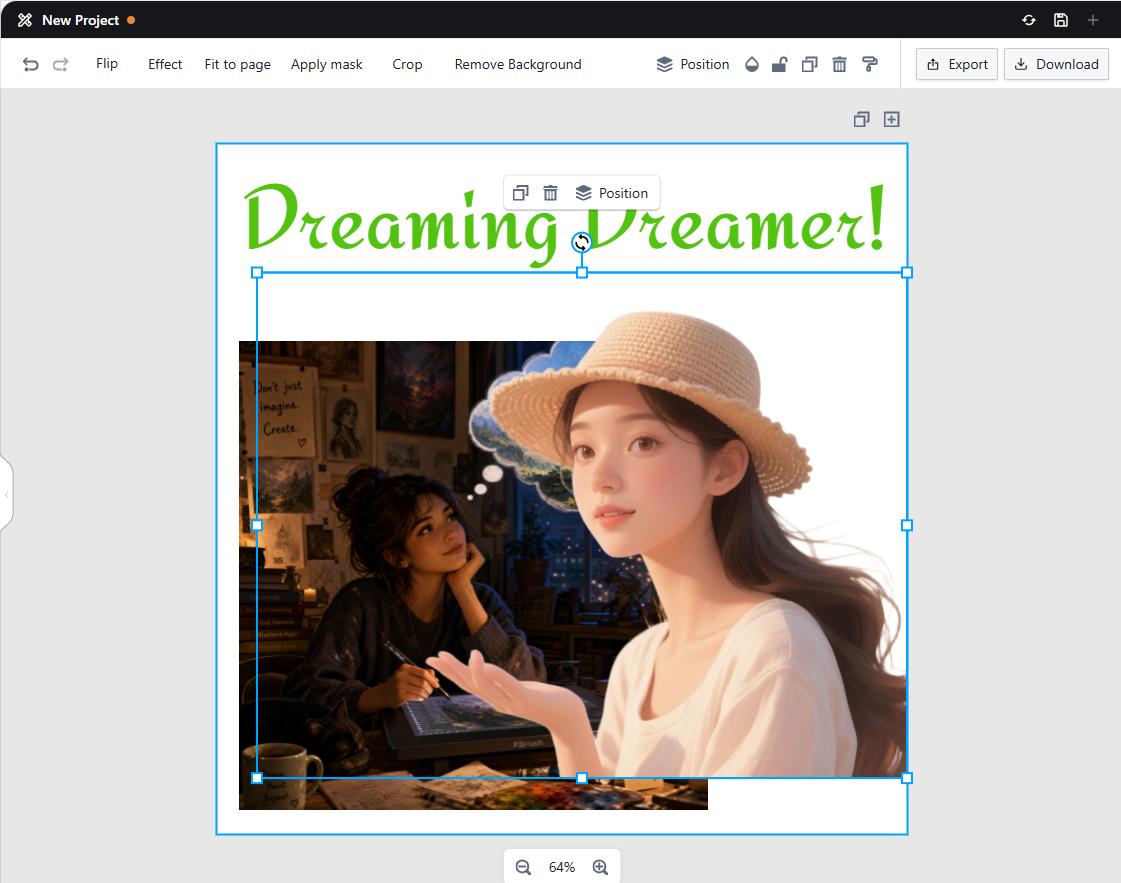
Background Removal Result
- A new image with the background removed will be generated.
Opacity
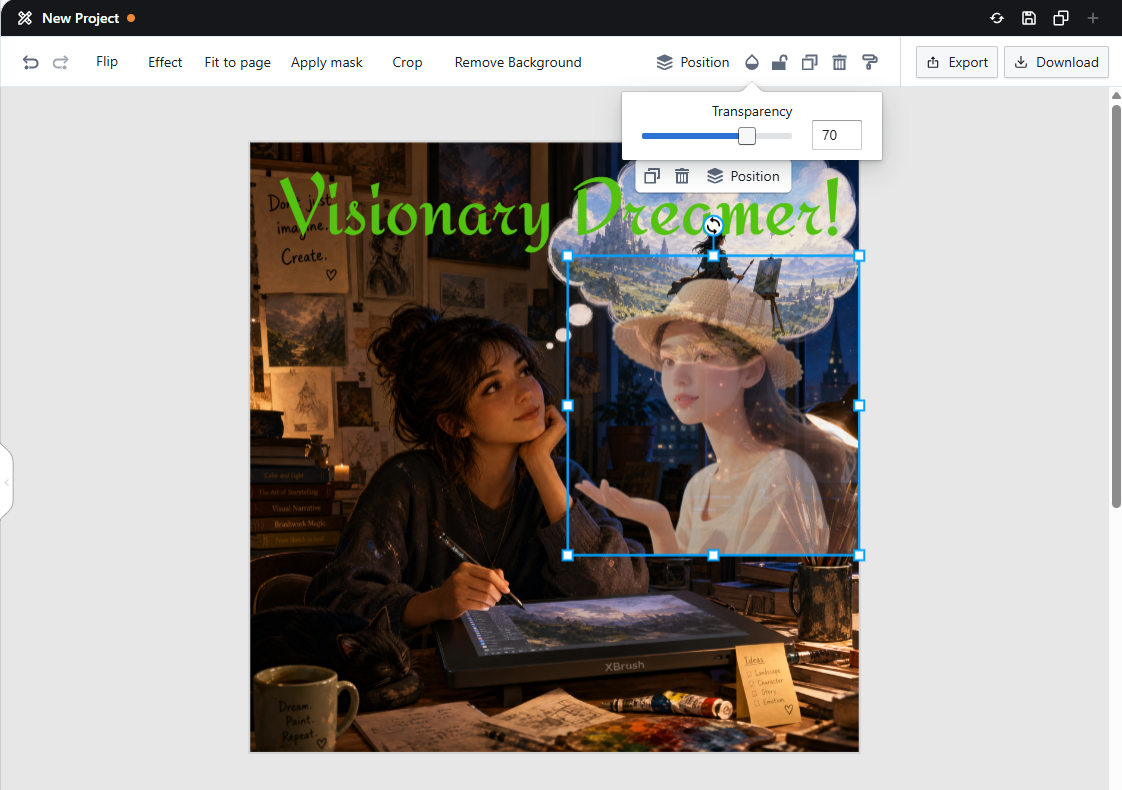
Opacity
- Adjust the opacity of the selected element.
Lock
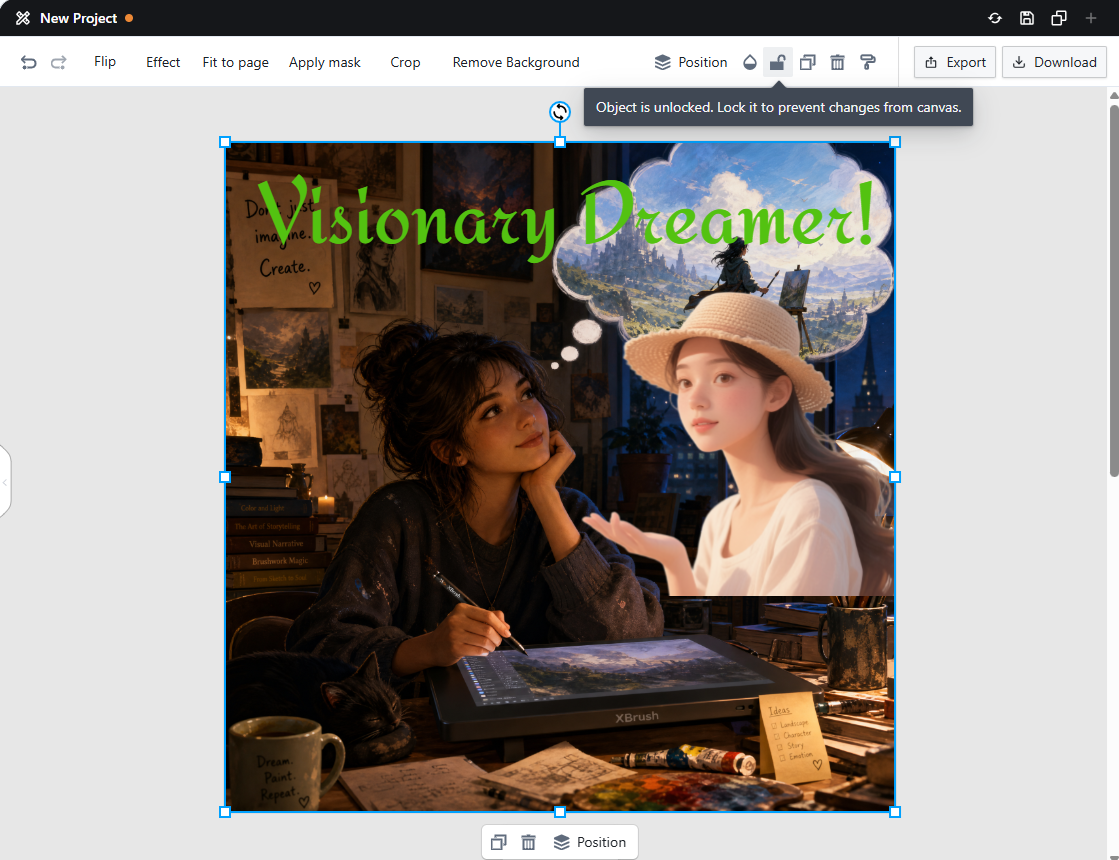
Lock
- Locking an element prevents it from being edited.
- A locked element can be unlocked to enable editing again.
Duplicate Element
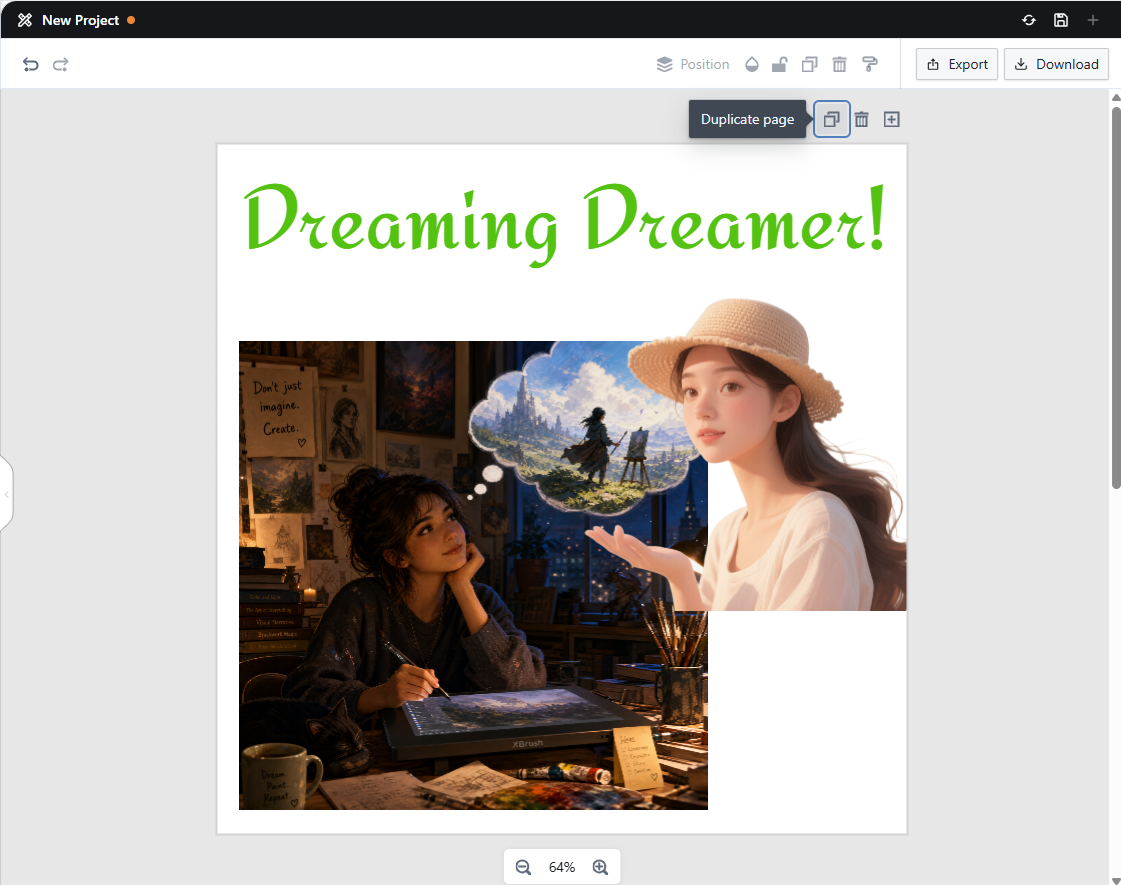
Duplicate Element
- Create a copy of the selected element.
Delete Element
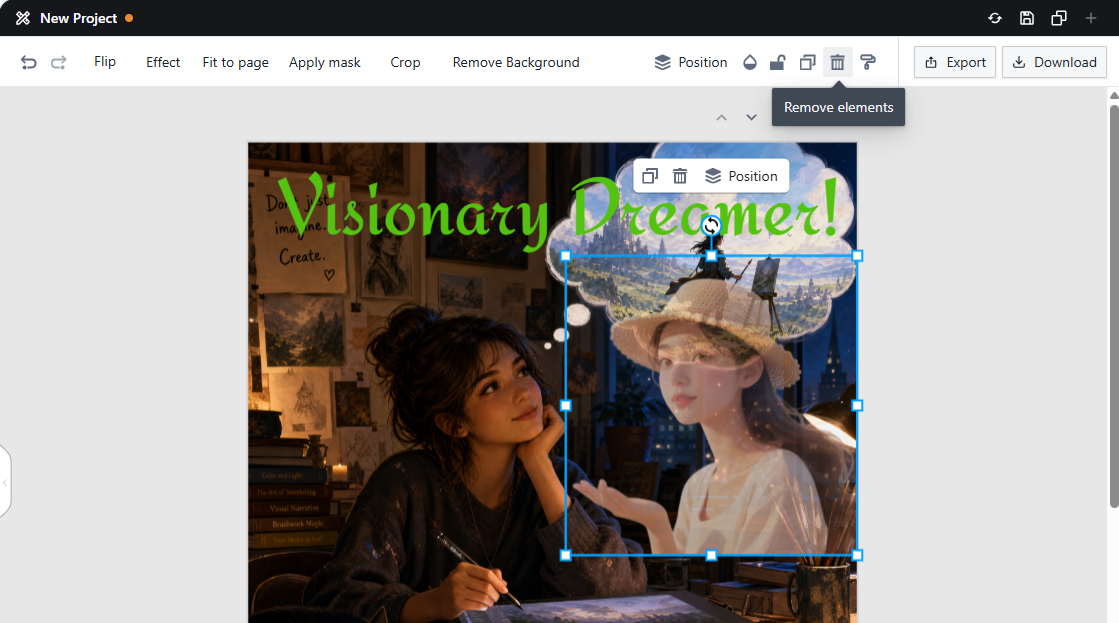
Delete Element
- Delete the selected element.
Copy Style
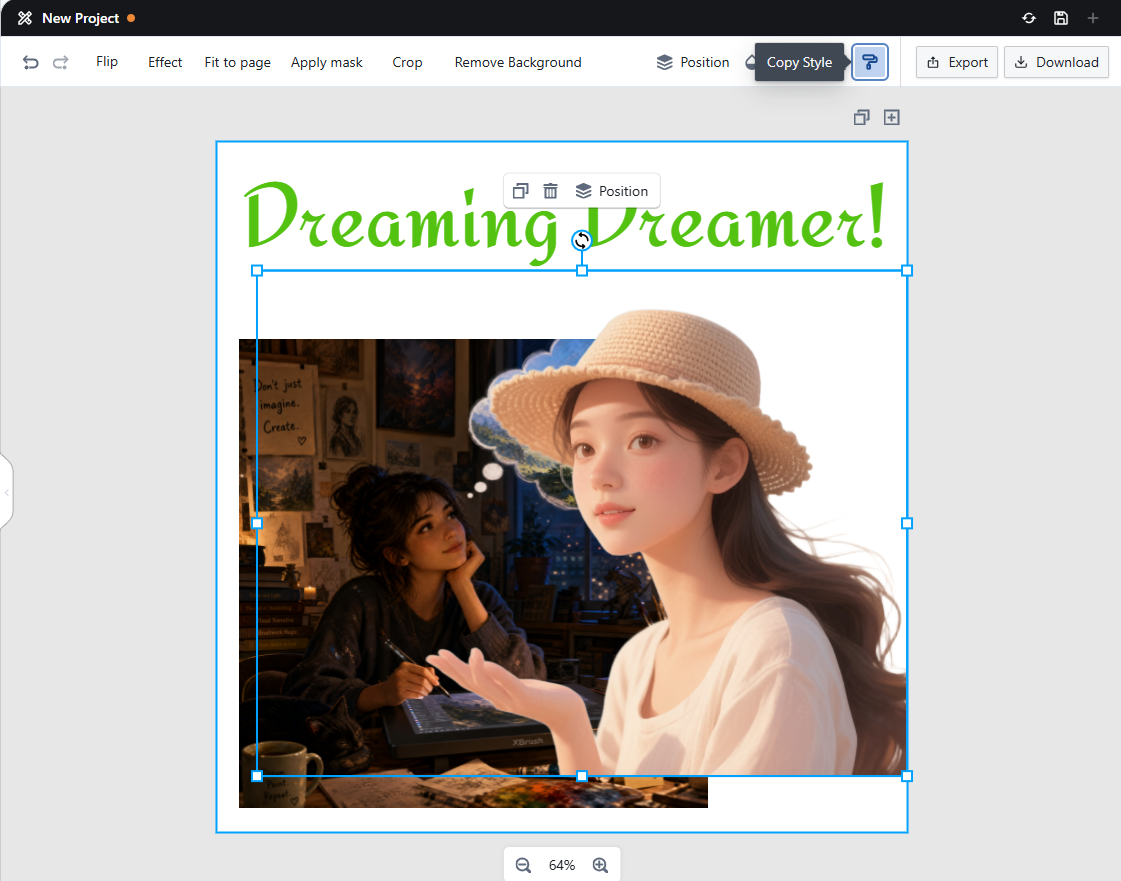
Copy Style
- Copy the style of the selected element and apply it to another.
Top Bar: Text Editing Menu
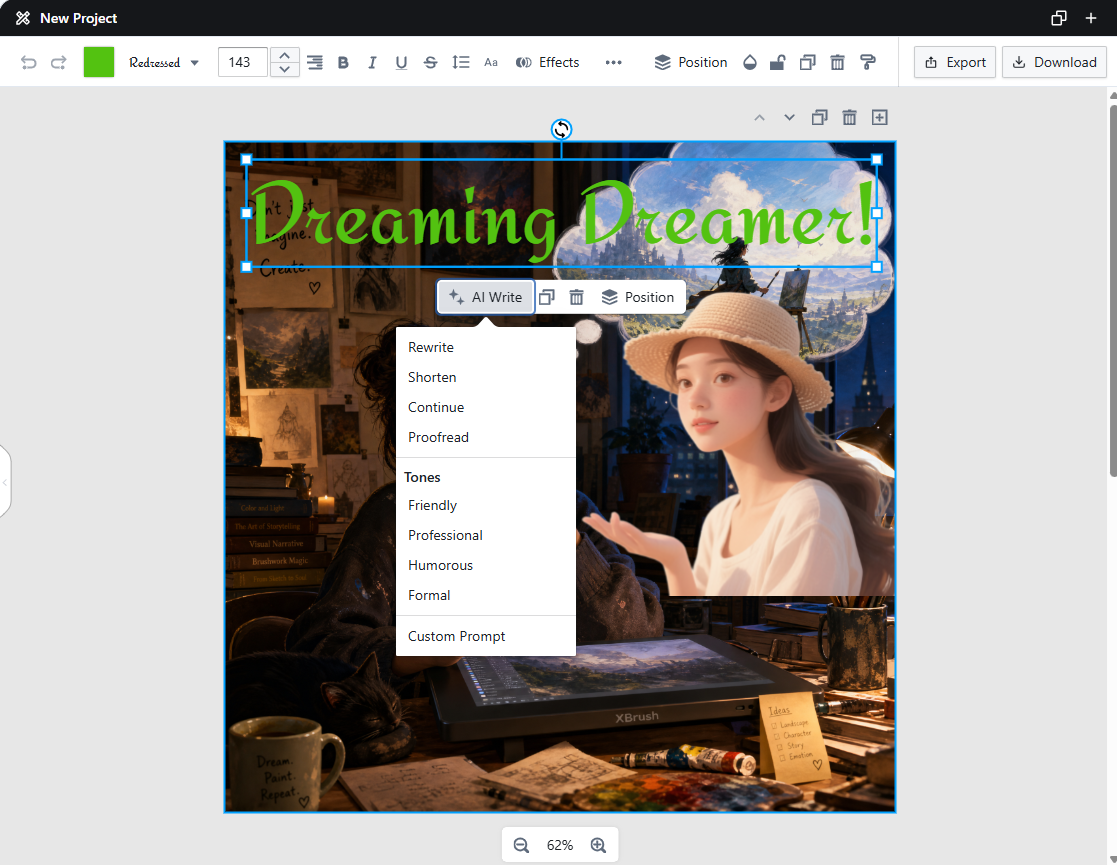
AI Write
- Undo / Redo: The two rotating arrow icons at the far left of the editor's top bar let you undo or redo actions.
Font Color
- Change the color of the selected text.
Font
- Change the font of the selected text.
Font Size
- Adjust the font size of the selected text.
Alignment
- Align text to the left, center, or right.
Text Style
- Apply styles such as bold, italic, and underline.
Line Spacing
- Adjust the line spacing of the selected text.
Effects
- Add visual effects to the selected text.
AI Write
- Use AI to refine or transform your text.
- Rewrite
- Shorten
- Continue
- Proofread
- Adjust Tone: Friendly, Professional, Humorous, Formal
- Custom Prompt: Enter any instruction to shape the text however you like.
Next Steps