Ad Studio
Summary: XBRUSH Ad Studio is an AI-powered premium ad video creation service built into XBRUSH. Using AI models from the marketplace, you can quickly produce professional-quality ad videos — no filming required.
What is Ad Studio?
Ad Studio is XBRUSH's integrated service for creating premium ad videos with AI. Choose an AI model from the marketplace, add your product, write a script, and an AI-generated advertisement is produced automatically. It supports three creation workflows — Talk2U, Motion Maker, and Premium Ad — each suited to different ad formats and use cases.
How to Access Ad Studio
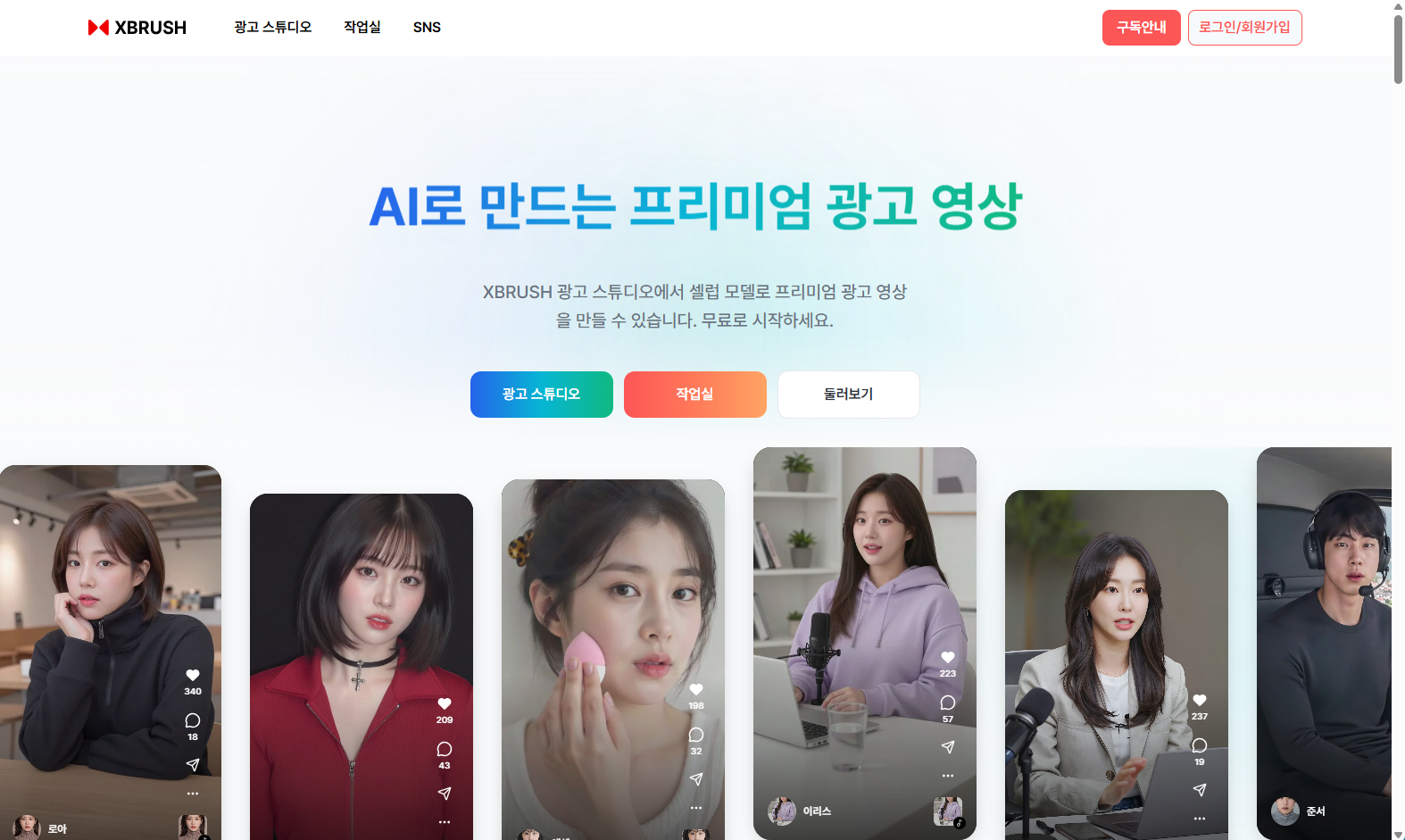
Ad Studio home — "AI로 만드는 프리미엄 광고 영상"
- Log in to XBRUSH at xbrush.ai.
- Click Ad Studio (광고 스튜디오) in the top navigation bar.
- Ad Studio opens within your XBRUSH account — no separate login required.
Ad Studio Navigation
Ad Studio has a persistent left sidebar with the following sections:
| Menu | Description |
|---|---|
| Model Marketplace (모델 보기) | Browse and select AI models |
| Search (탐색) | Explore publicly shared ad videos |
| Talk2U (툭투유) | Generate ad videos with product synthesis and script |
| Motion Maker (모션 메이커) | Apply viral motion templates to AI model images |
| Premium Ad (프리미엄 에드) | Create professional brand ads from premium templates |
| Model Registration (모델 등록) | Register your likeness as an AI model |
| My Videos (내 비디오) | Manage and download your generated videos |
Model Marketplace
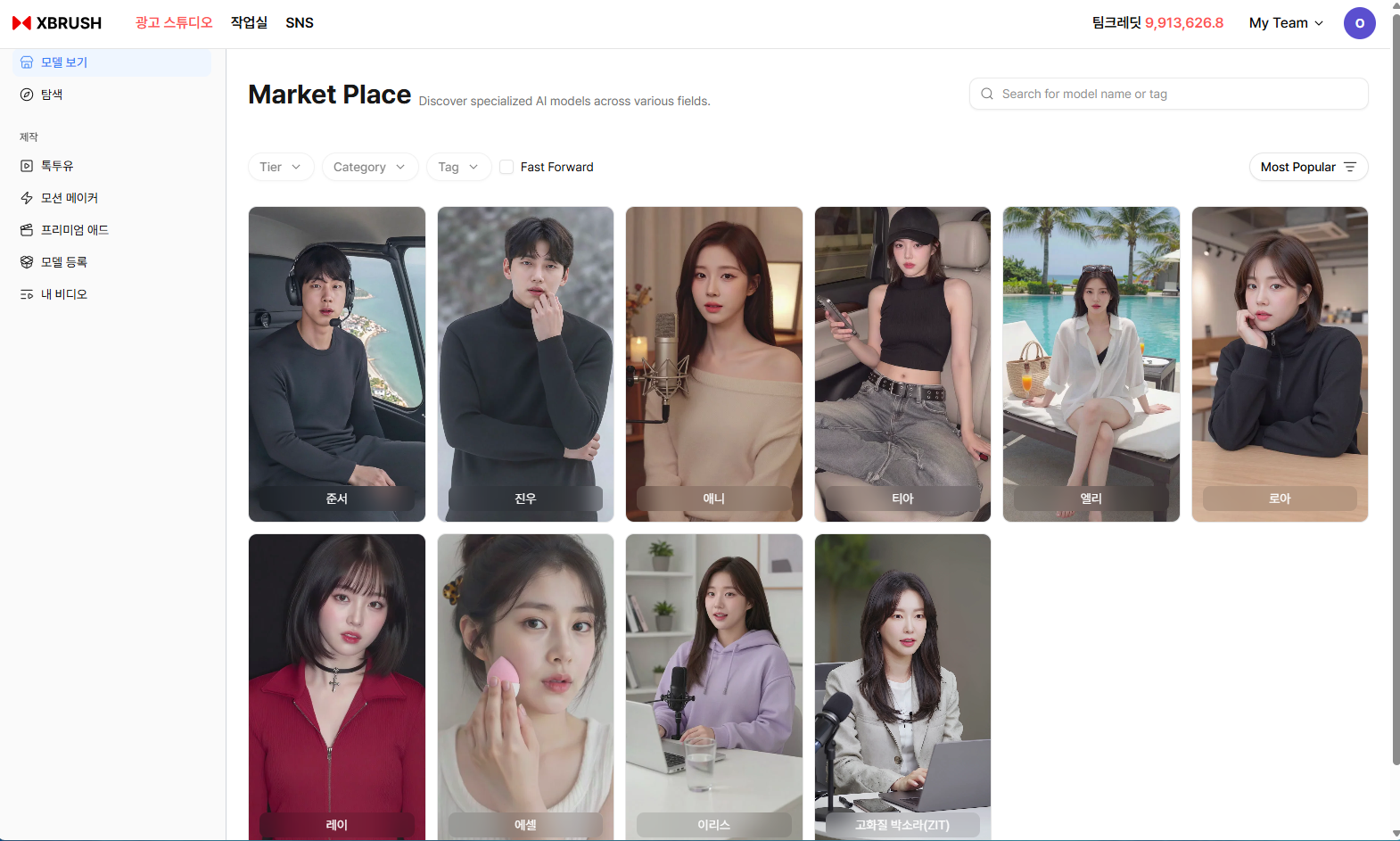
Browse AI models optimized for ad video production.
- Browse AI models registered on the Ad Studio marketplace.
- Filter by Category and Tag, or sort by Most Popular.
- Click a model to enter the creation screen for that model.
- Models labeled Fast Forward are optimized for quick generation.
Content Search
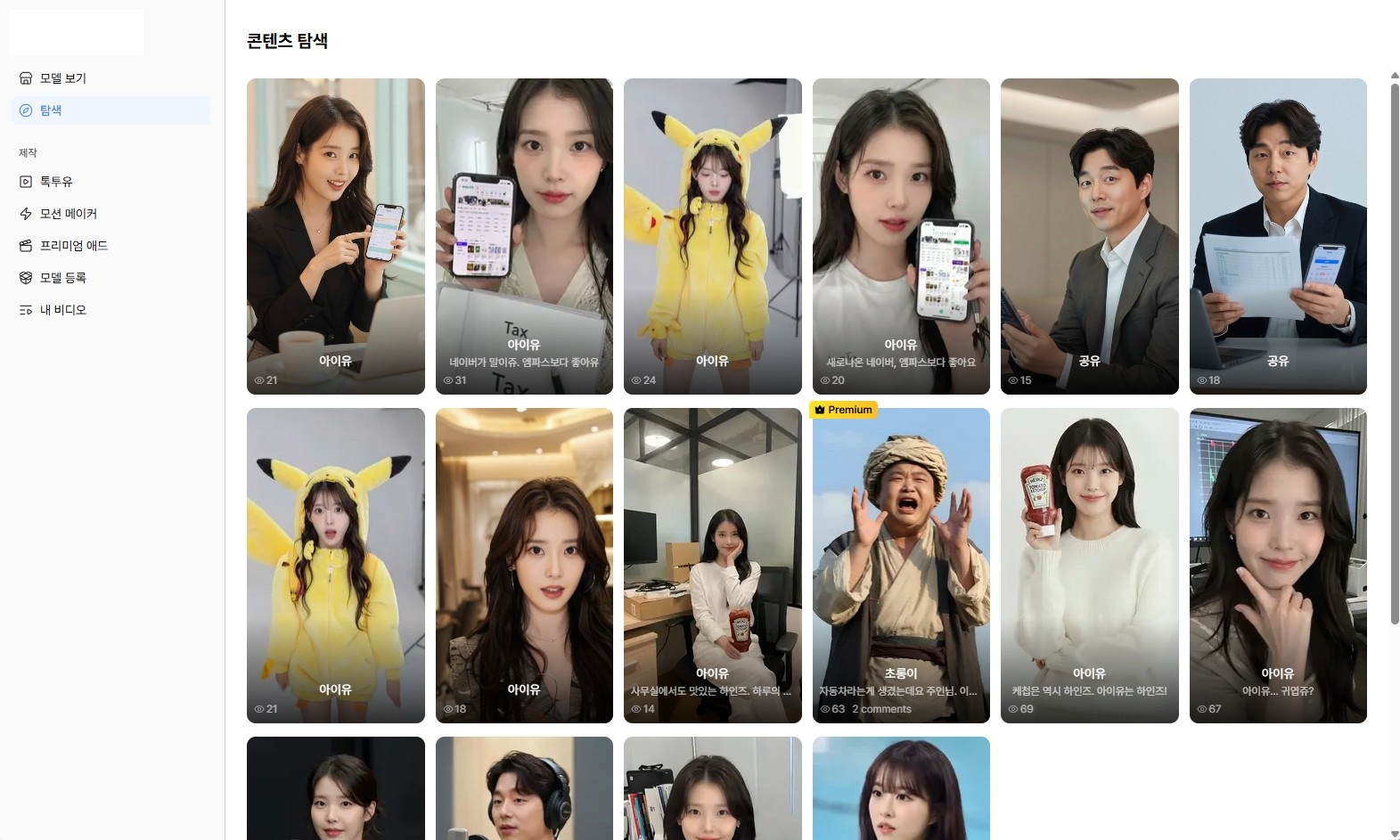
Search through publicly shared ad videos.
- Browse ad videos generated by other creators for inspiration.
- Search by model name, tag, or keyword.
My Videos
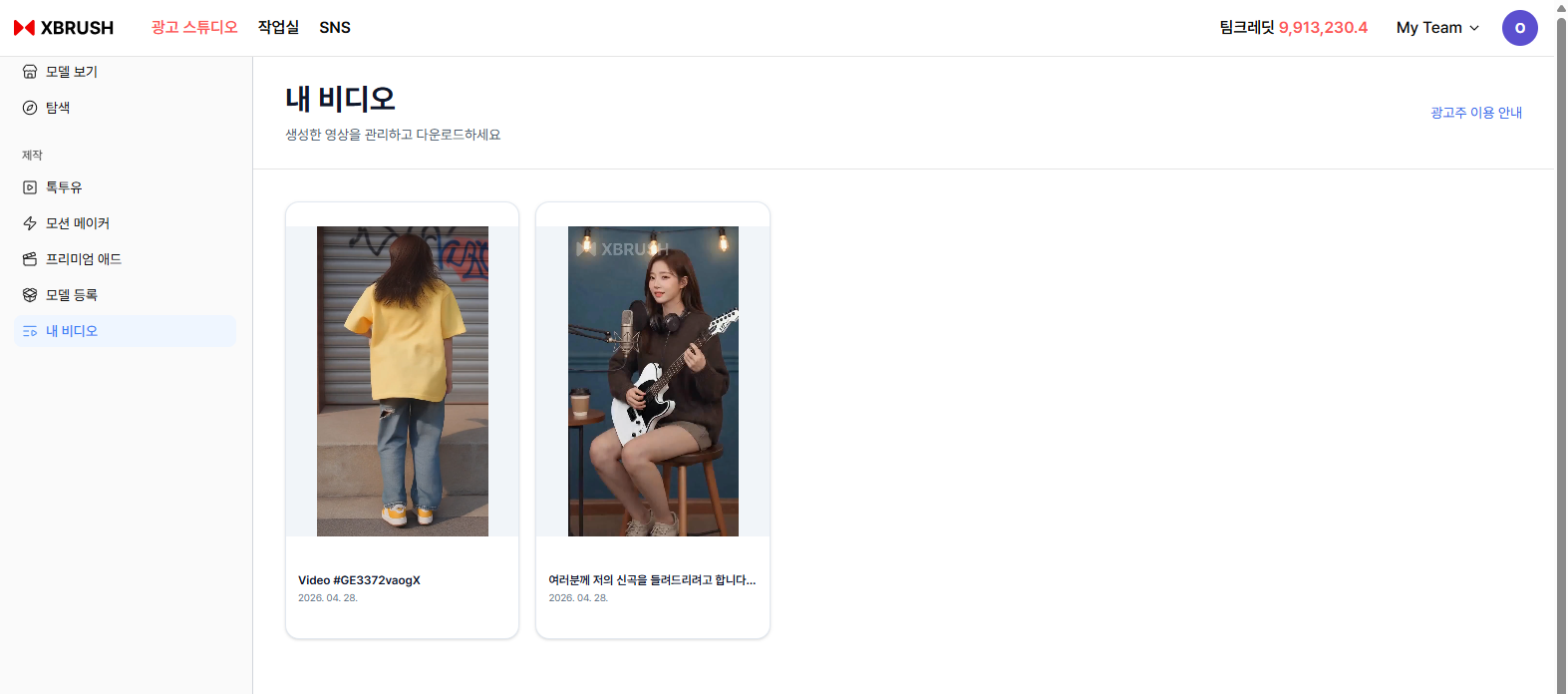
Your generated video library.
- All videos you have generated are listed here.
- Videos currently generating show a progress percentage.
- Click any video to preview or download it.
- The top-right 광고주 이용 안내 link opens the Advertiser Guidelines.
Advertiser Guidelines (광고주 이용 안내)
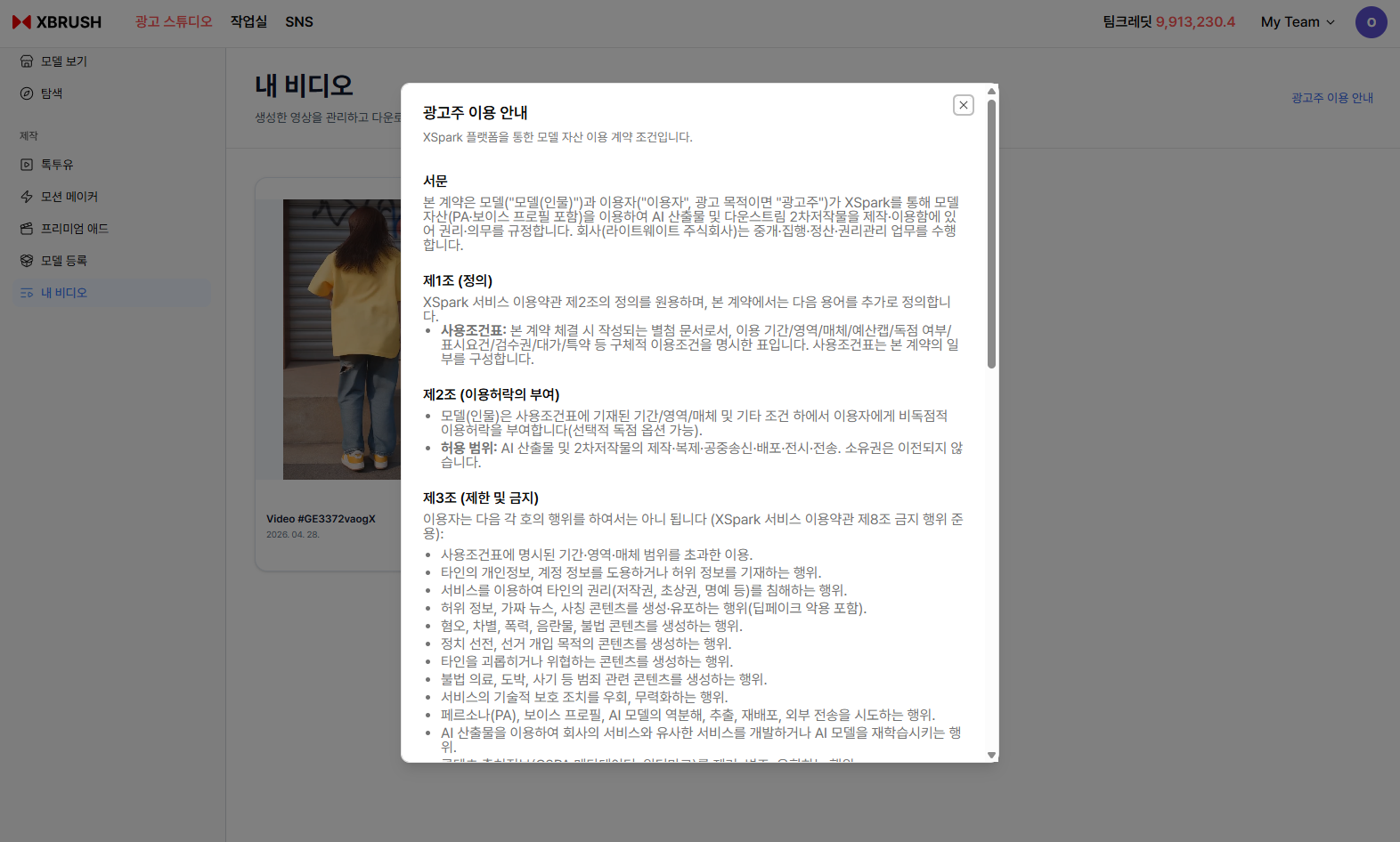
The Advertiser Guidelines modal — usage terms for AI model assets on Ad Studio.
Click 광고주 이용 안내 in the top-right corner of the My Videos screen to view the full advertiser terms. This document governs how advertisers (이용자) may use AI model assets — including persona (PA) and voice profiles — to create and distribute ad content through Ad Studio.
Key sections include:
| Section | Summary |
|---|---|
| 서문 | Contract between AI models and advertisers, mediated by XBRUSH (Lightweight Inc.) |
| 제1조 (정의) | Definitions — including the 사용조건표 (Usage Conditions Form) that specifies permitted period, territory, medium, and budget |
| 제2조 (이용허락의 부여) | Non-exclusive license to produce, reproduce, distribute, and transmit AI-generated ad content; ownership is not transferred |
| 제3조 (제한 및 금지) | Prohibited uses — including exceeding usage conditions, defamation, hate speech, disinformation, political content, illegal content, and reverse-engineering AI models |
Review the Advertiser Guidelines before publishing ad content to ensure your usage complies with the permitted terms for each AI model.