

Quick Start
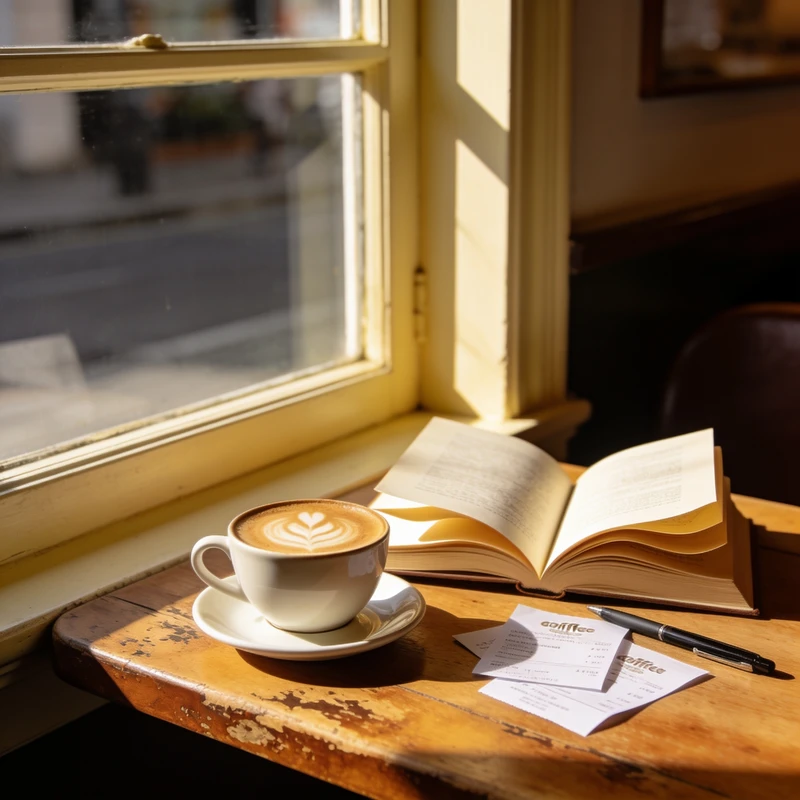
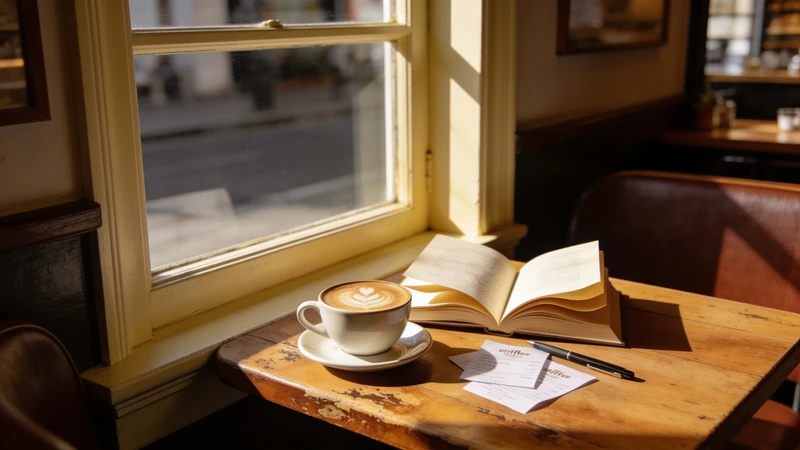
Don't crop. Extend.
The background grows to fit the new ratio. Nothing gets cut.
~3 credits per run · 30 free runs on signup
1
Upload
Portrait or landscape.
2
Name the ratio
"Make it 4:5"
3
Save
Seamlessly extended.
The subject survives. Background gets painted in, so nothing important is lost.
Good for
- Instagram 4:5 fits
- Banner to vertical
- Thumbnail specs
FAQ
Which ratios?
1:1, 4:5, 16:9, 9:16, or anything you name.
Will the seam show?
It matches the background grain. Redo if anything looks off.
Commercial use OK?
Yes.