
A workspace built only for creators
Every AI feature people love is here. And a few that exist nowhere else.
Every clip is a real output. Cards with a speaker also play sound.Trending videos, from your photo
One photo is enough. Edit the prompt if you like.
140+ models, as they ship
Seedance 2.5, Kling 4.0. New models land on day one.
Video
- Seedance 2.5
- Kling 4.0
- Kling O3
- Kling Omni
- WAN 3.0
- MiniMax H3
- LTX 2.3
- Hailuo 02
Models with native sound, models that keep your reference. Pick one, or let the chat choose.
Image
- GPT Image 2.6
- Nano Banana Pro
- Seedream 5.0 Pro
- FLUX.2 Pro
- Hunyuan 3.0
- Qwen Image
- Z-Image Turbo
Models with crisp text, models that keep your photo intact. Editing included.
Audio
- ElevenLabs v3
- MiniMax Speech 2.8
- Seed TTS 2.0
- Lyria 3.5
Voices, music, sound effects and lip sync in one chat.
Edit by saying it
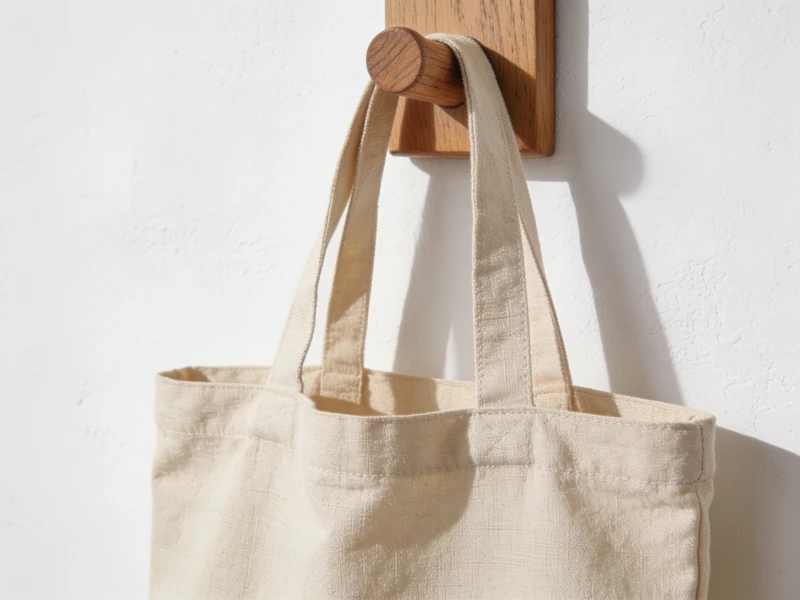
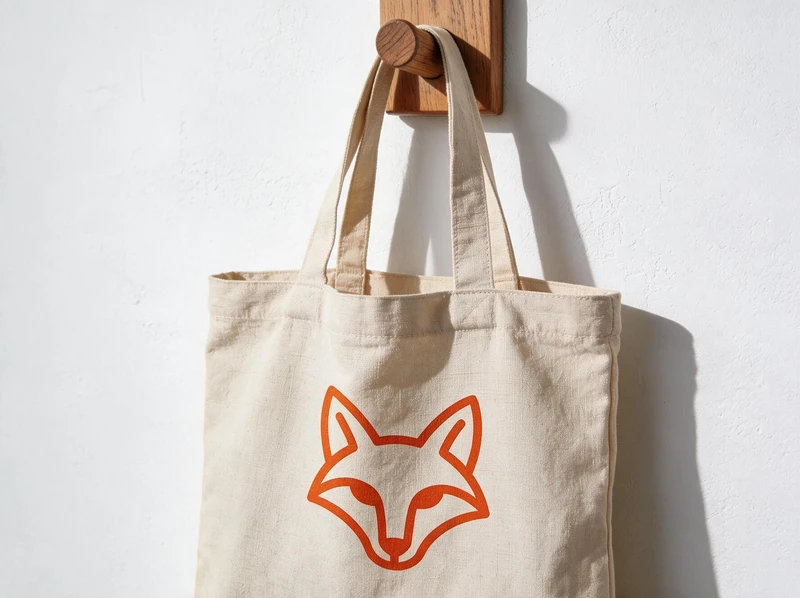
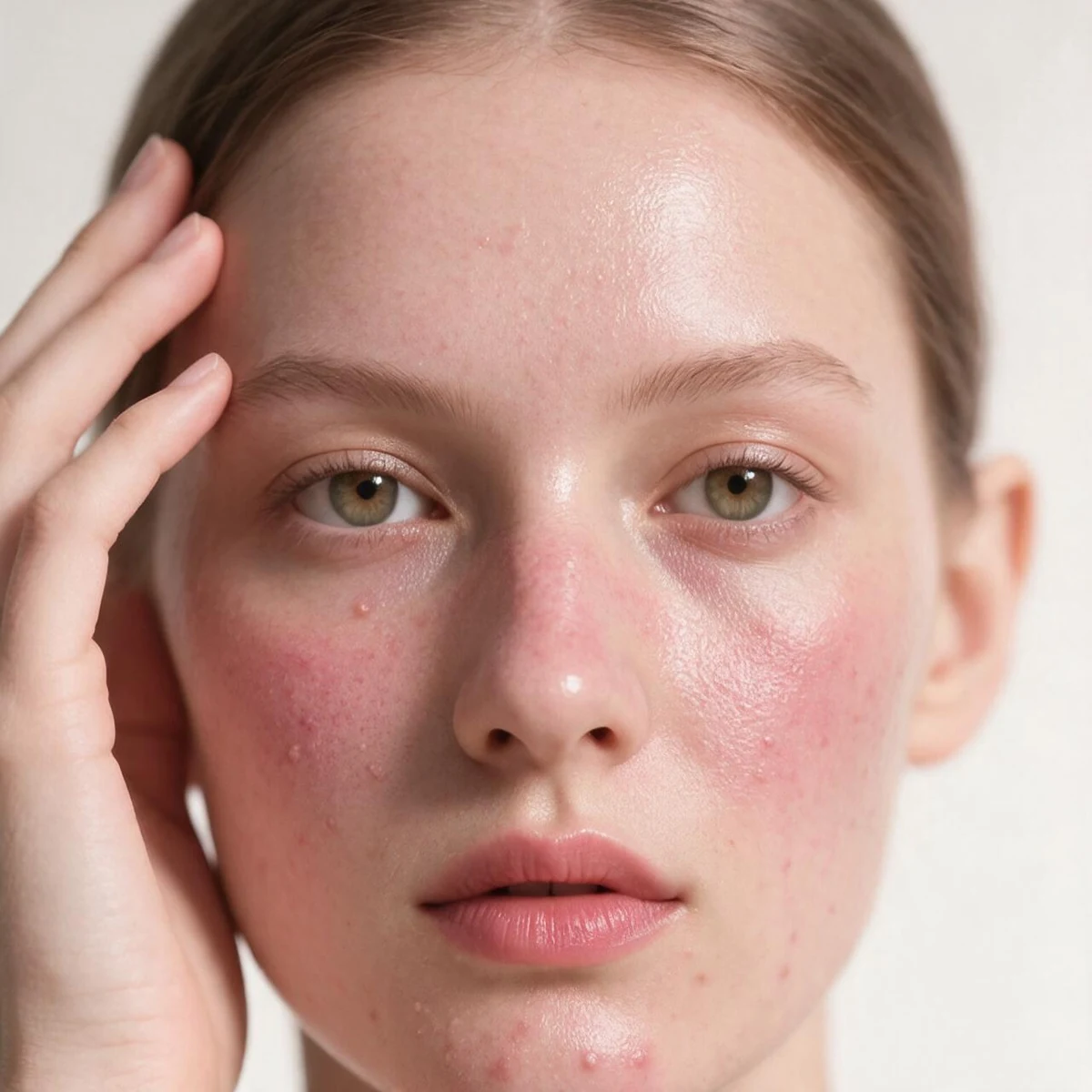
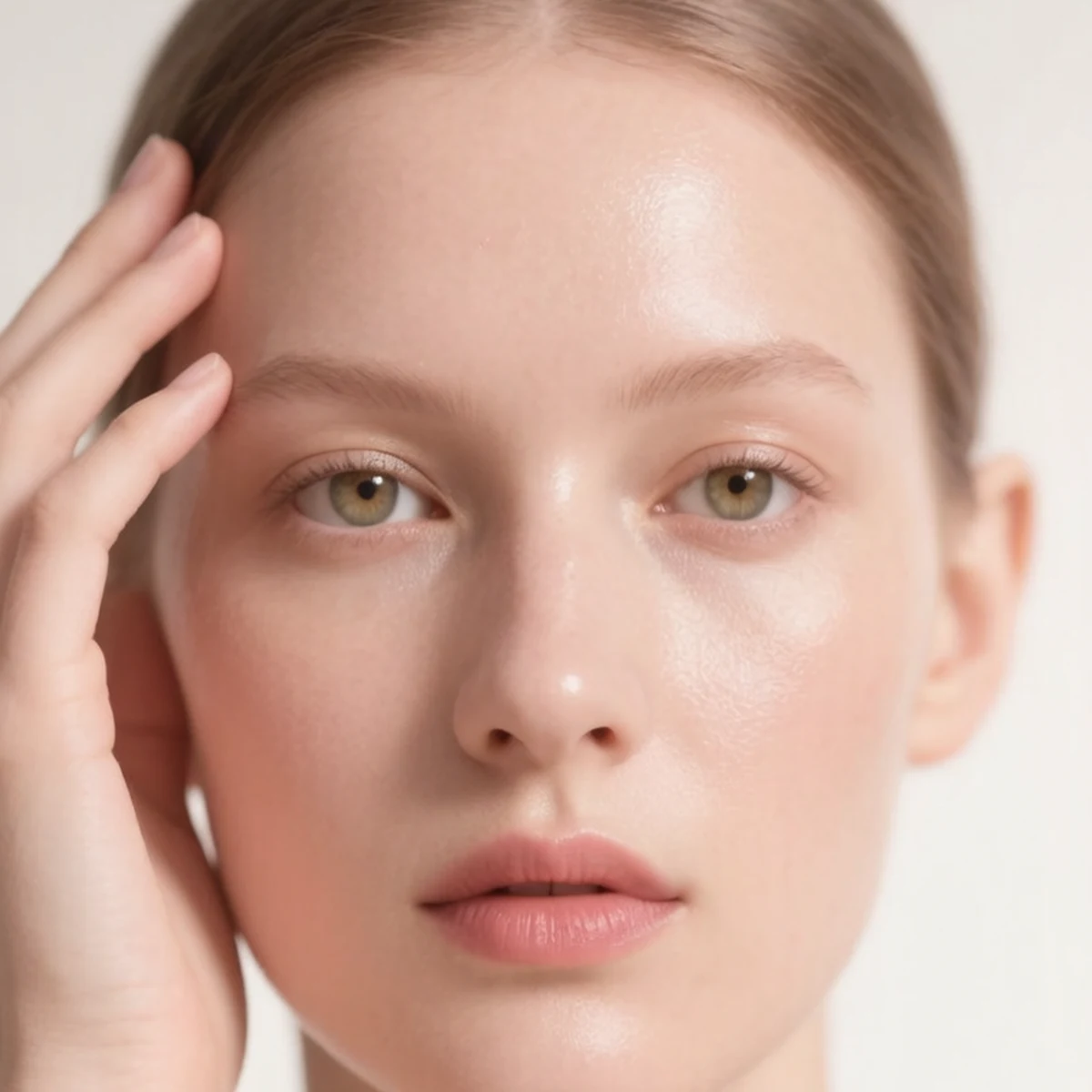
One line is the edit. Drag the handle.
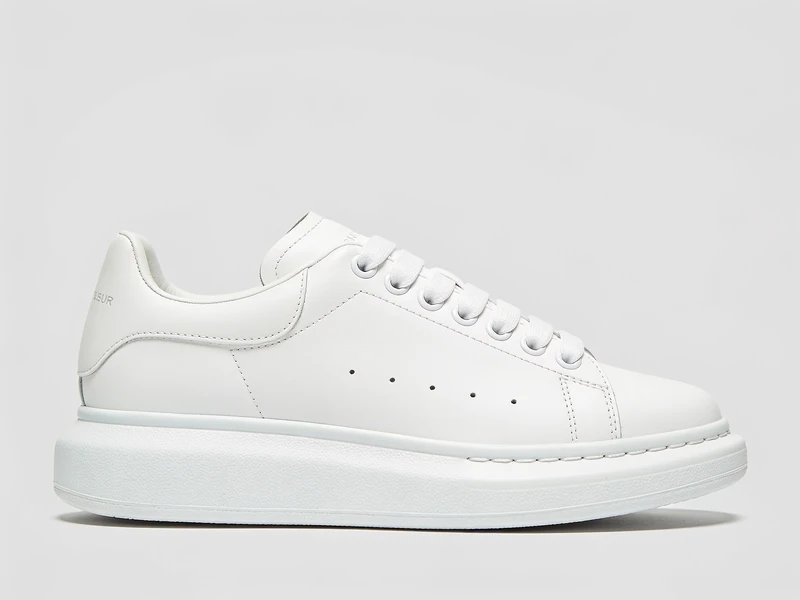
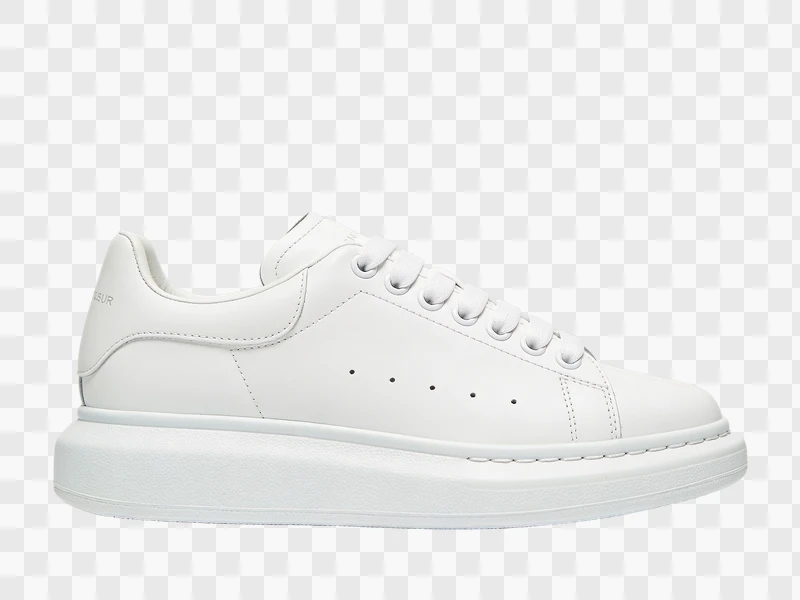 BeforeAfter
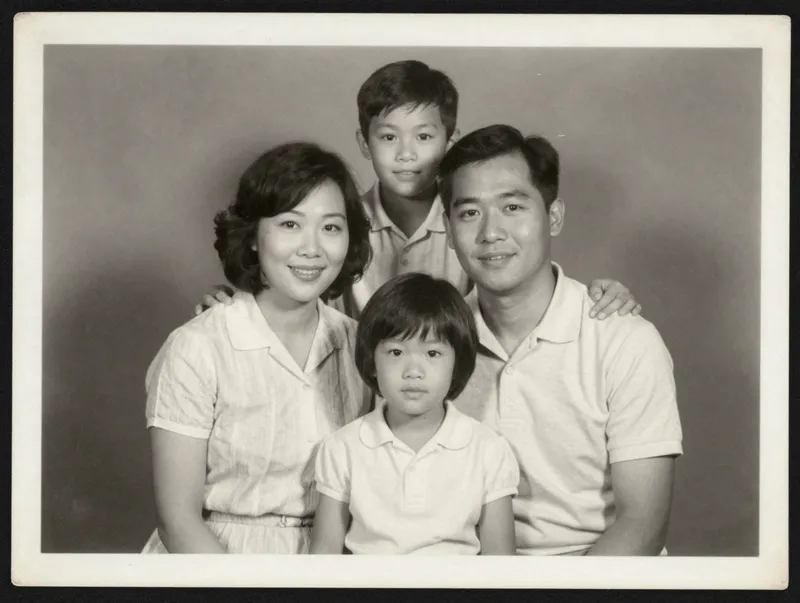
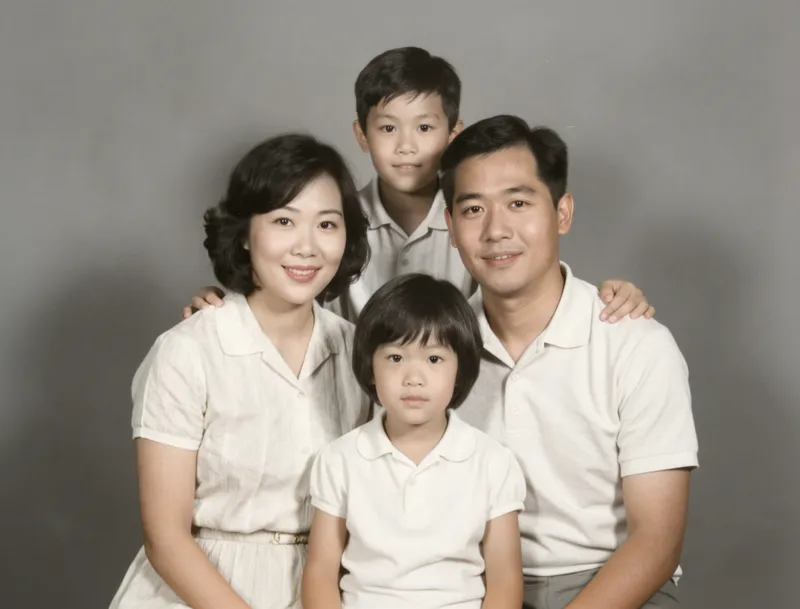 BeforeAfter
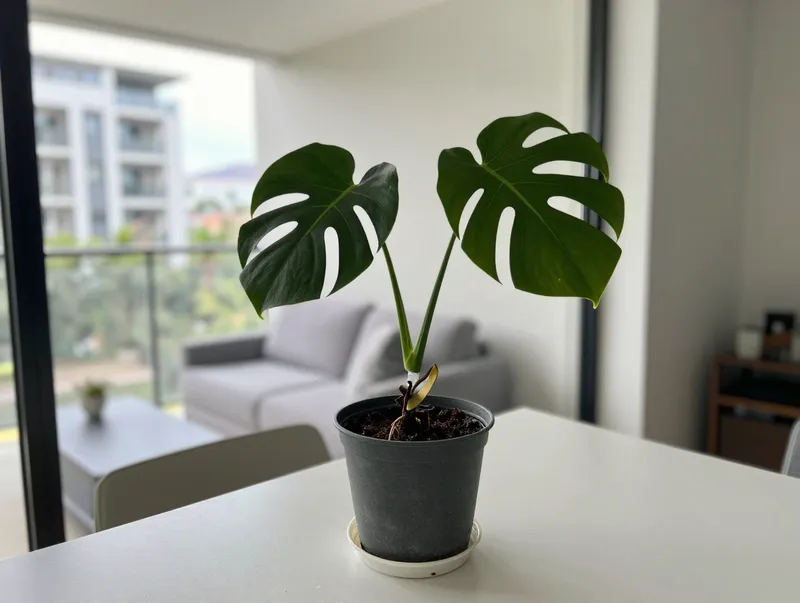
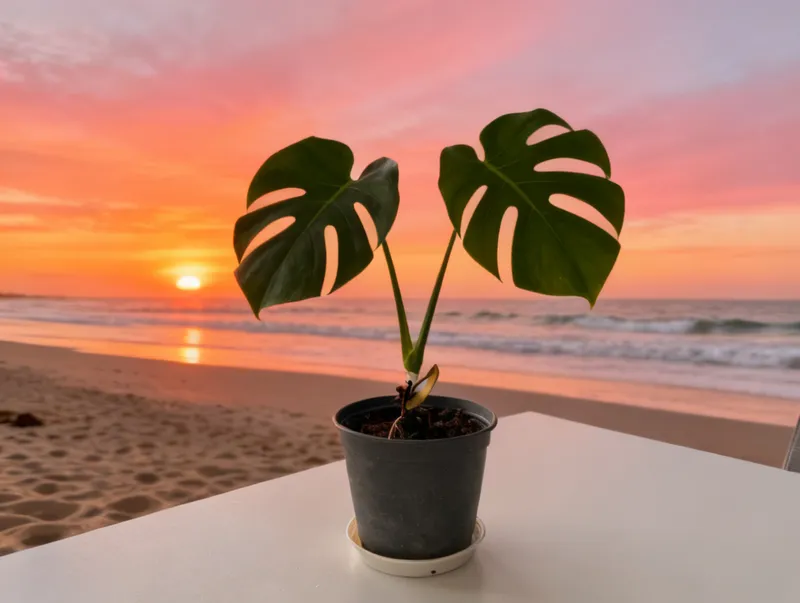 BeforeAfter
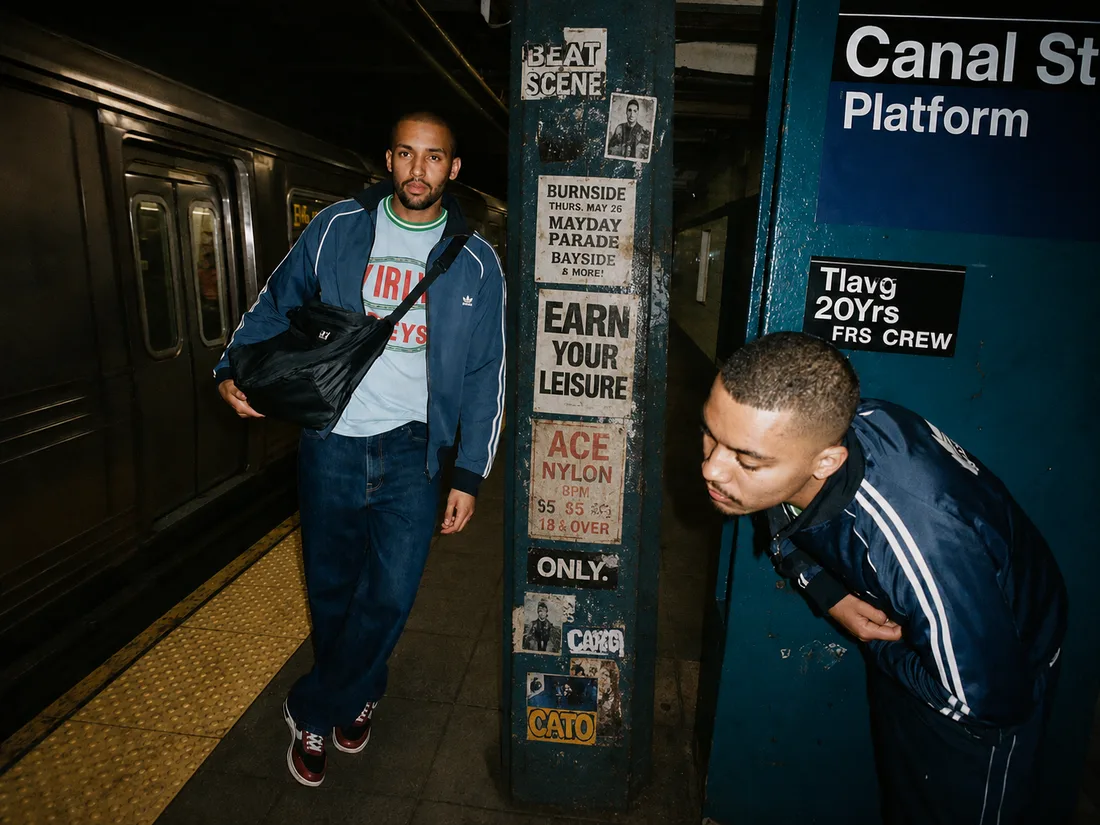
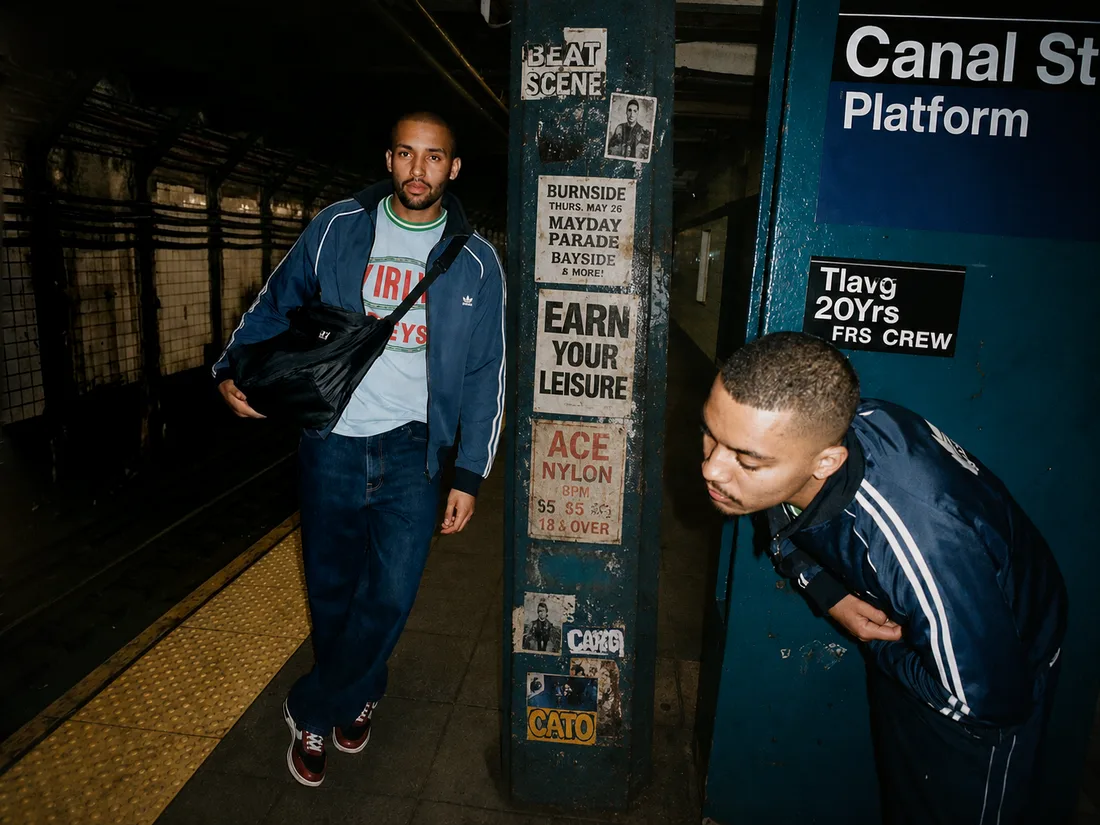 BeforeAfter
 BeforeAfter
 BeforeAfter

 BeforeAfter

 BeforeAfter
 BeforeAfter


Sound in the same pass
The video comes with its sound. Dialogue and footsteps too.
Lip sync, voice cloning and sound effects continue in the same chat.
One line becomes a whole piece
It plans, then carries the work through. And it shows the credits before running.
- 1Pick one of three pamphlets and it carries that design into the video.
- 2Sign, price board, opening video. Launch prep, finished in order.
- 3It quotes first and charges only what it quoted.
- Open workspace →

Make an ad pamphlet with this product.
An anti-dandruff shampoo that cares for dandruff, dead skin cells, and sebum at once. Show me 3 concepts in different directions.


 Selected

Go with #2, and make a video too.
All six conversations are real results made in the XBRUSH workspace.
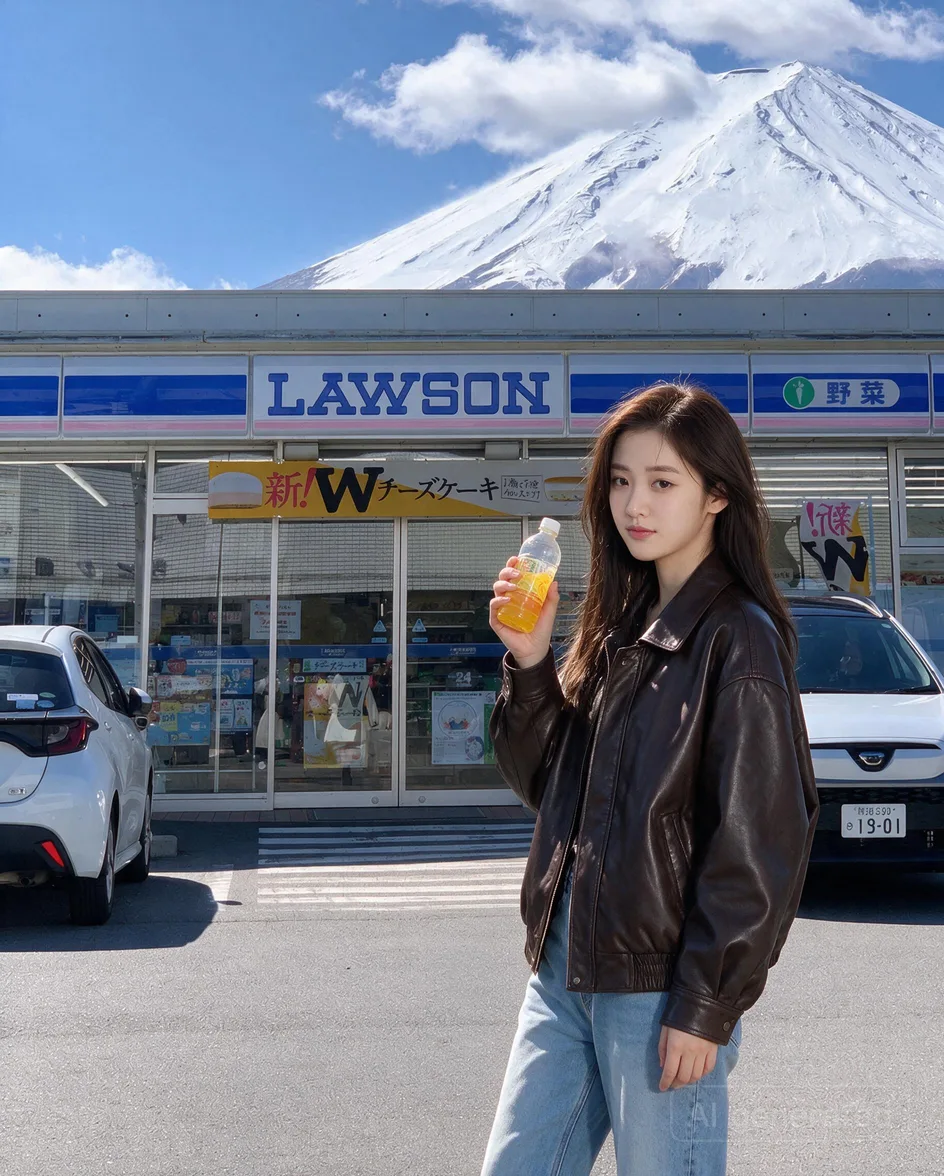
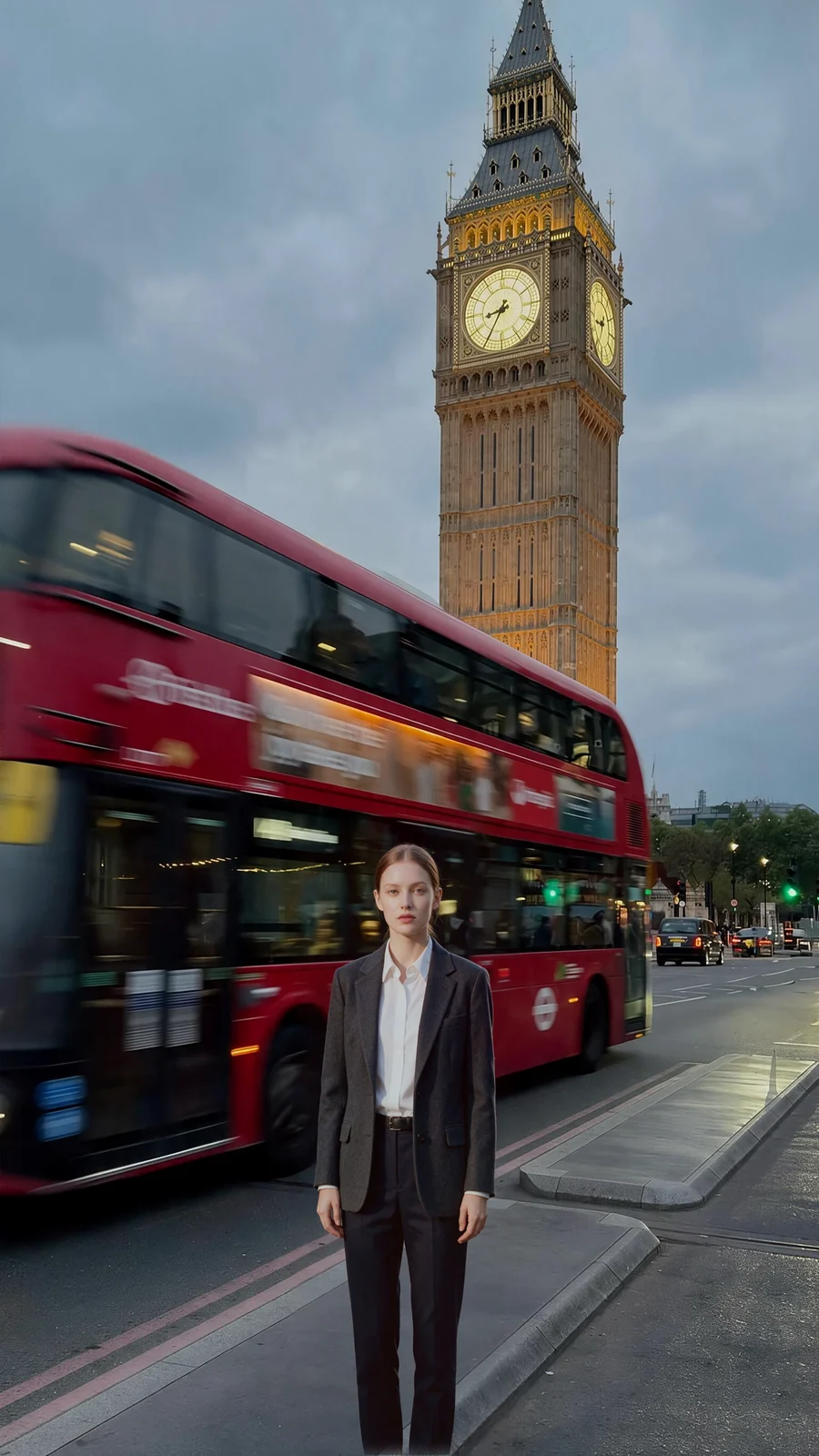
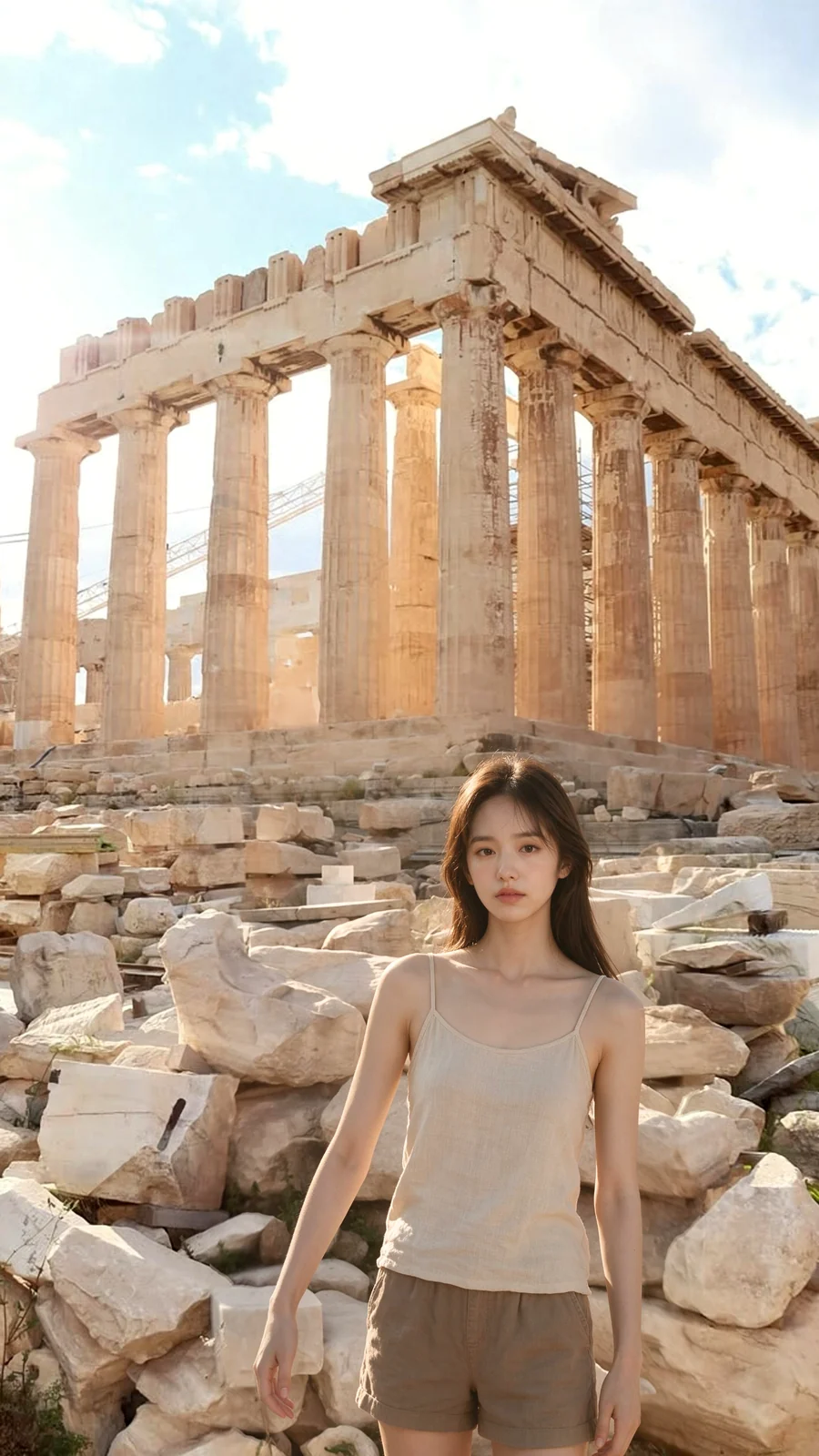
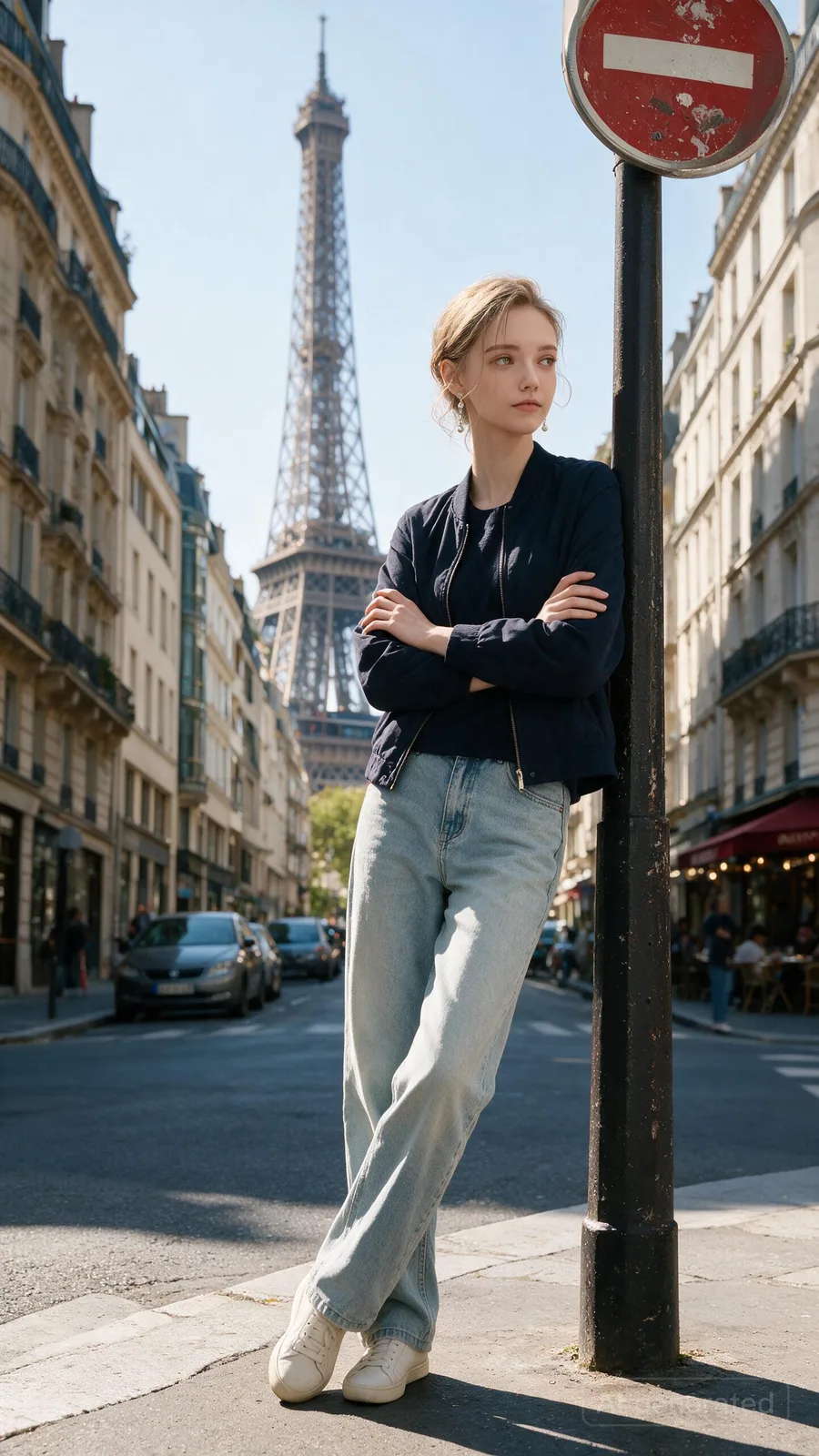
Same face, anywhere
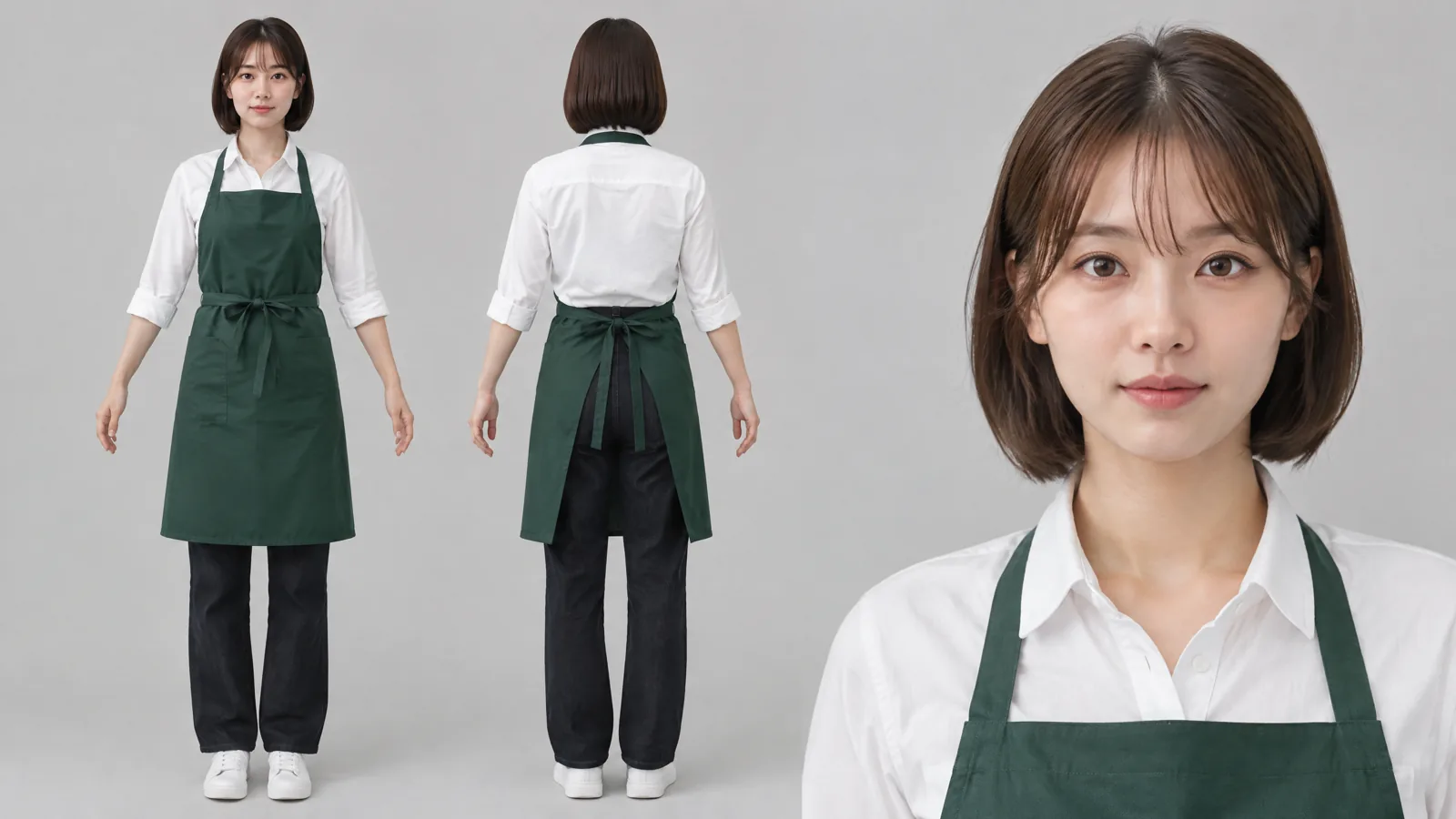
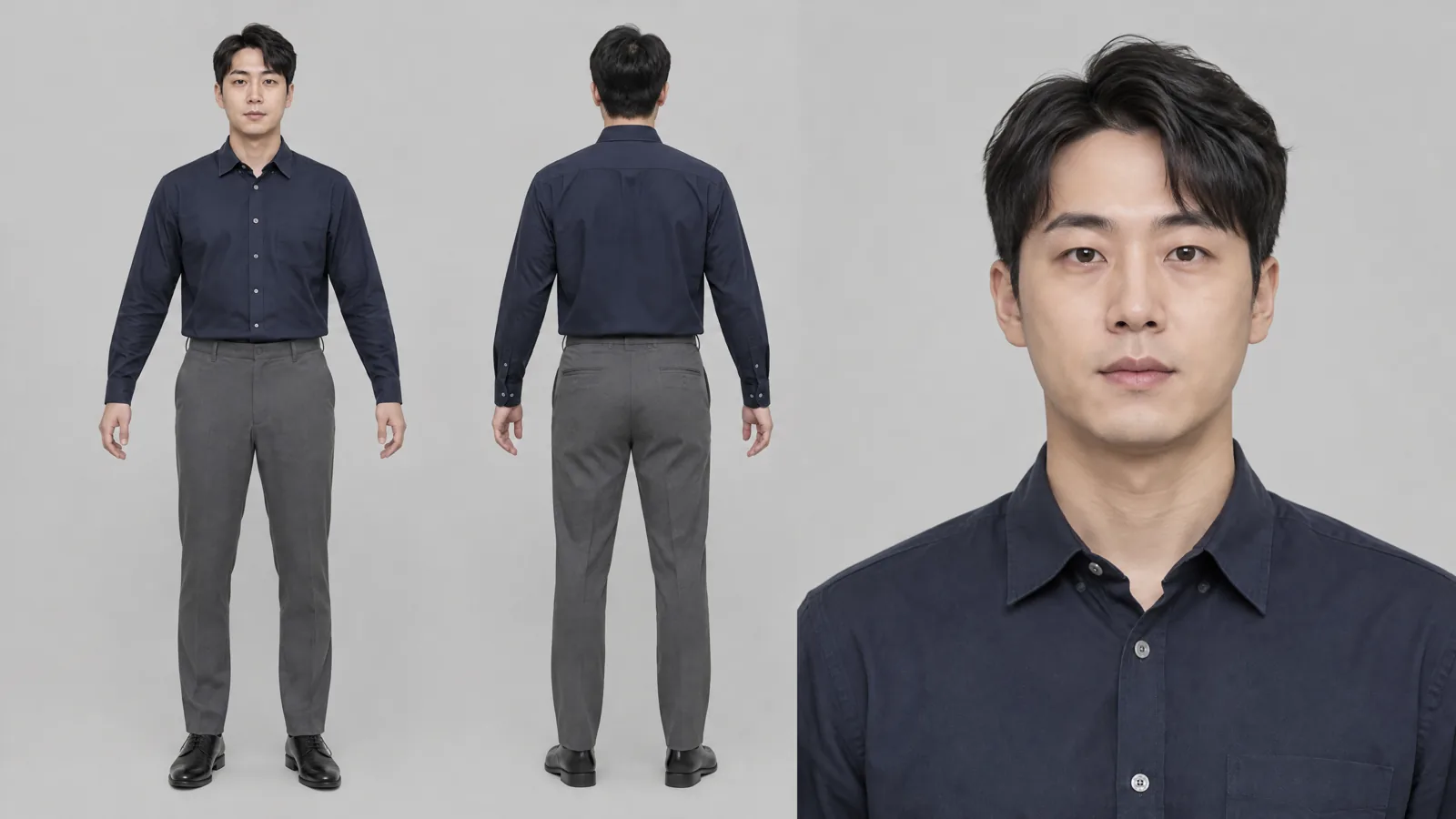
Make a character once and keep using it. In images and in video.
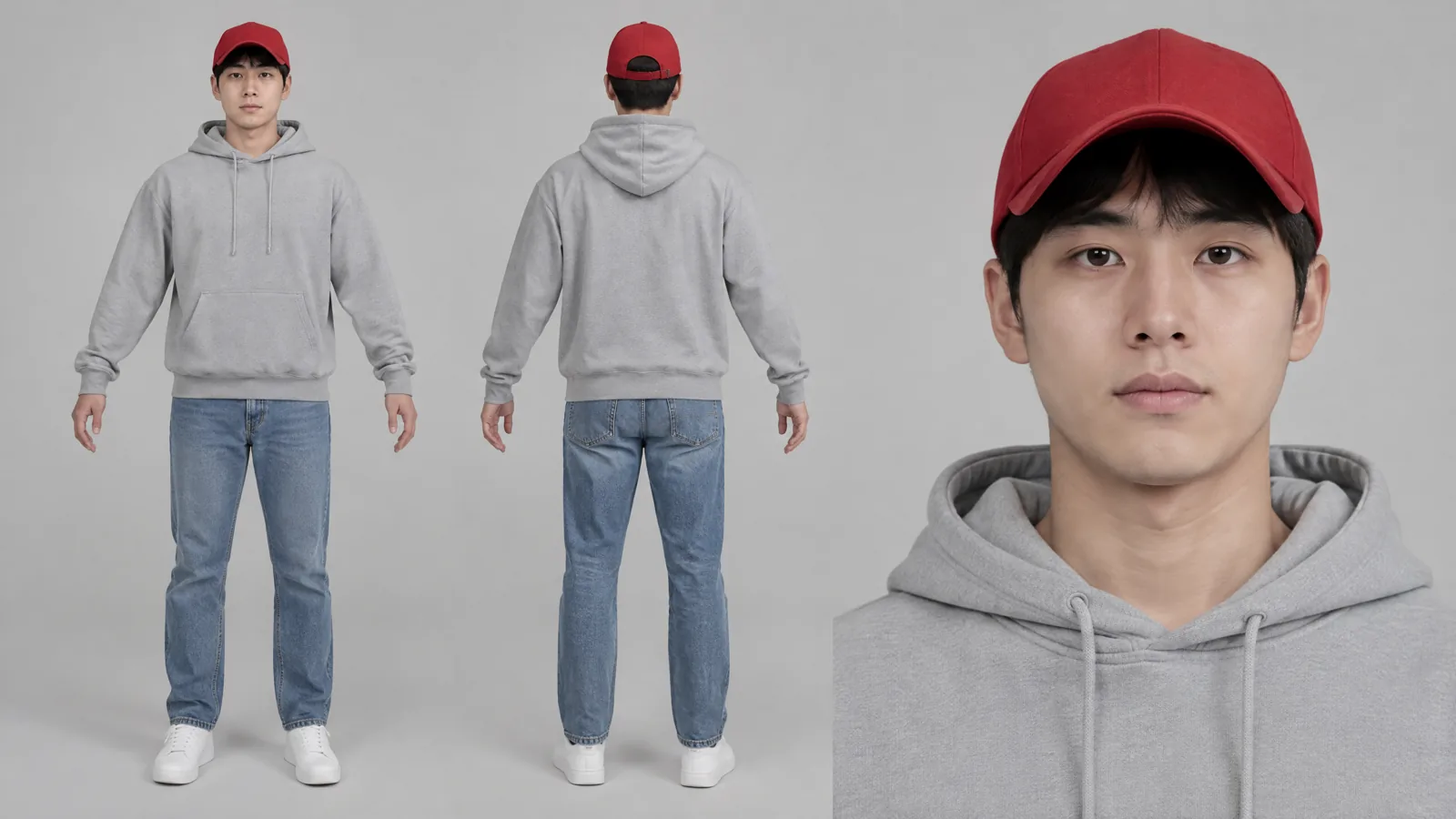
Character sheet
Front, side, close-up. From one photo or from words alone.Looks
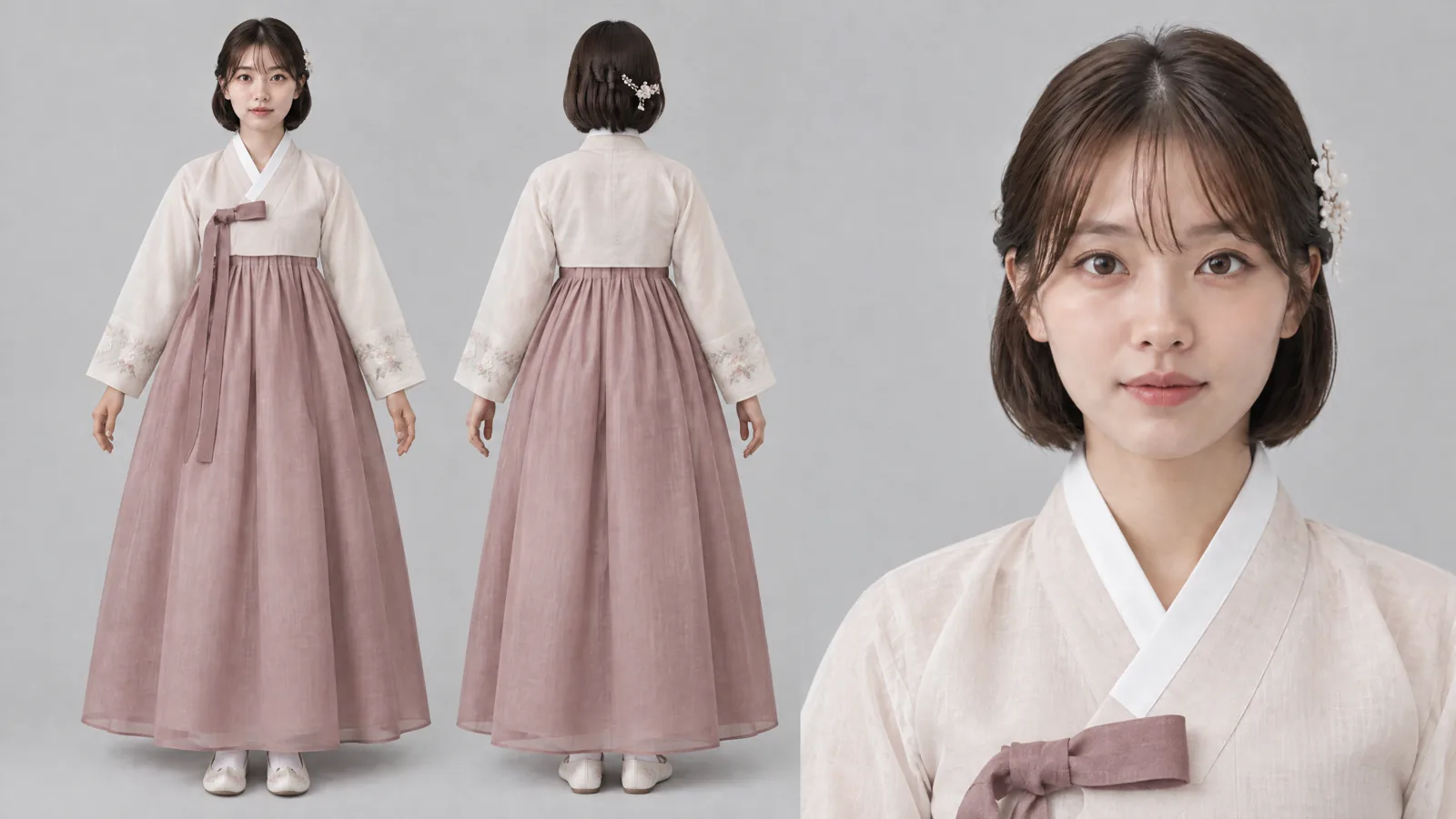
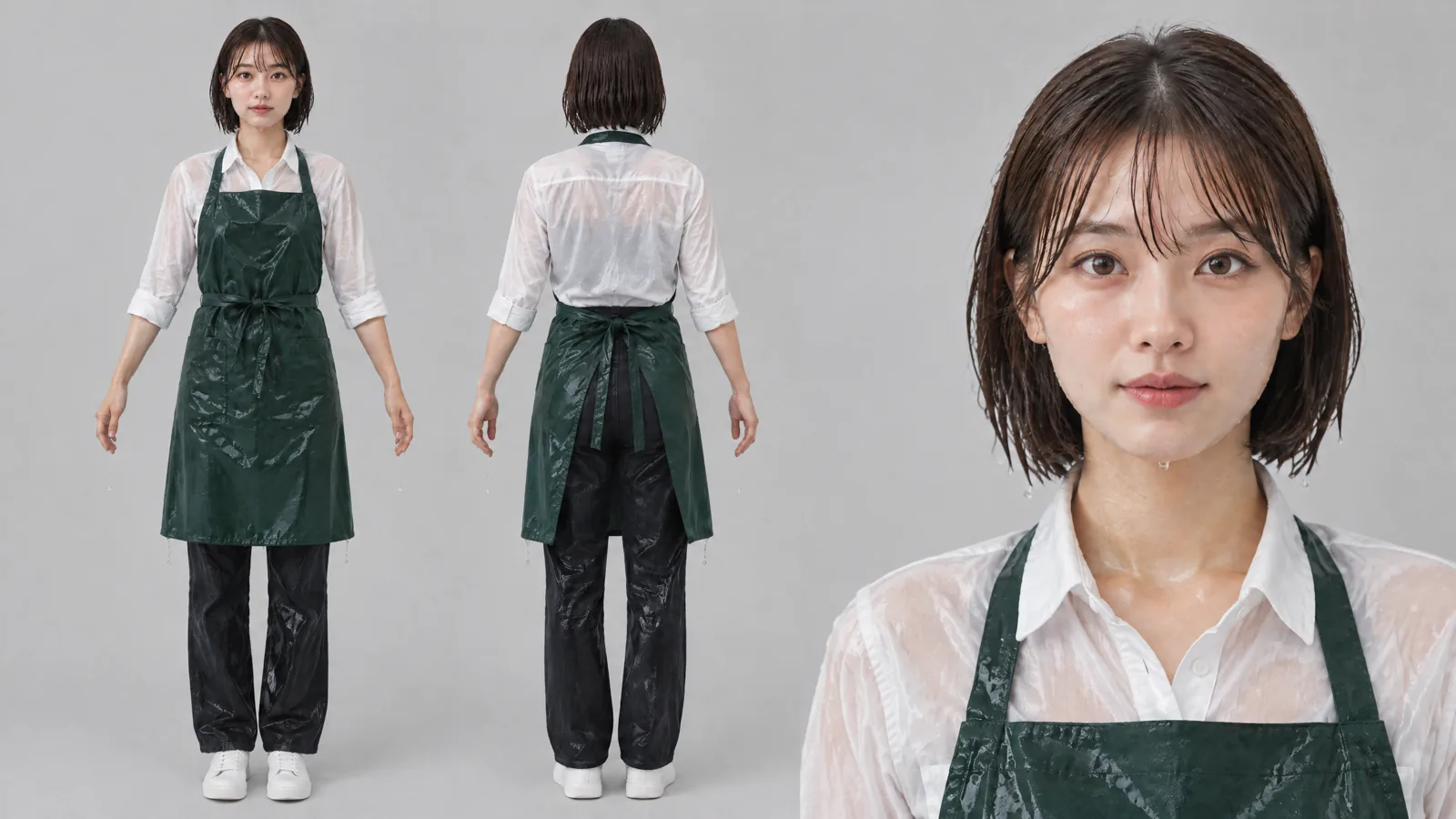
Jiwoo · master sheet→ Change the outfit, era or state. The face stays.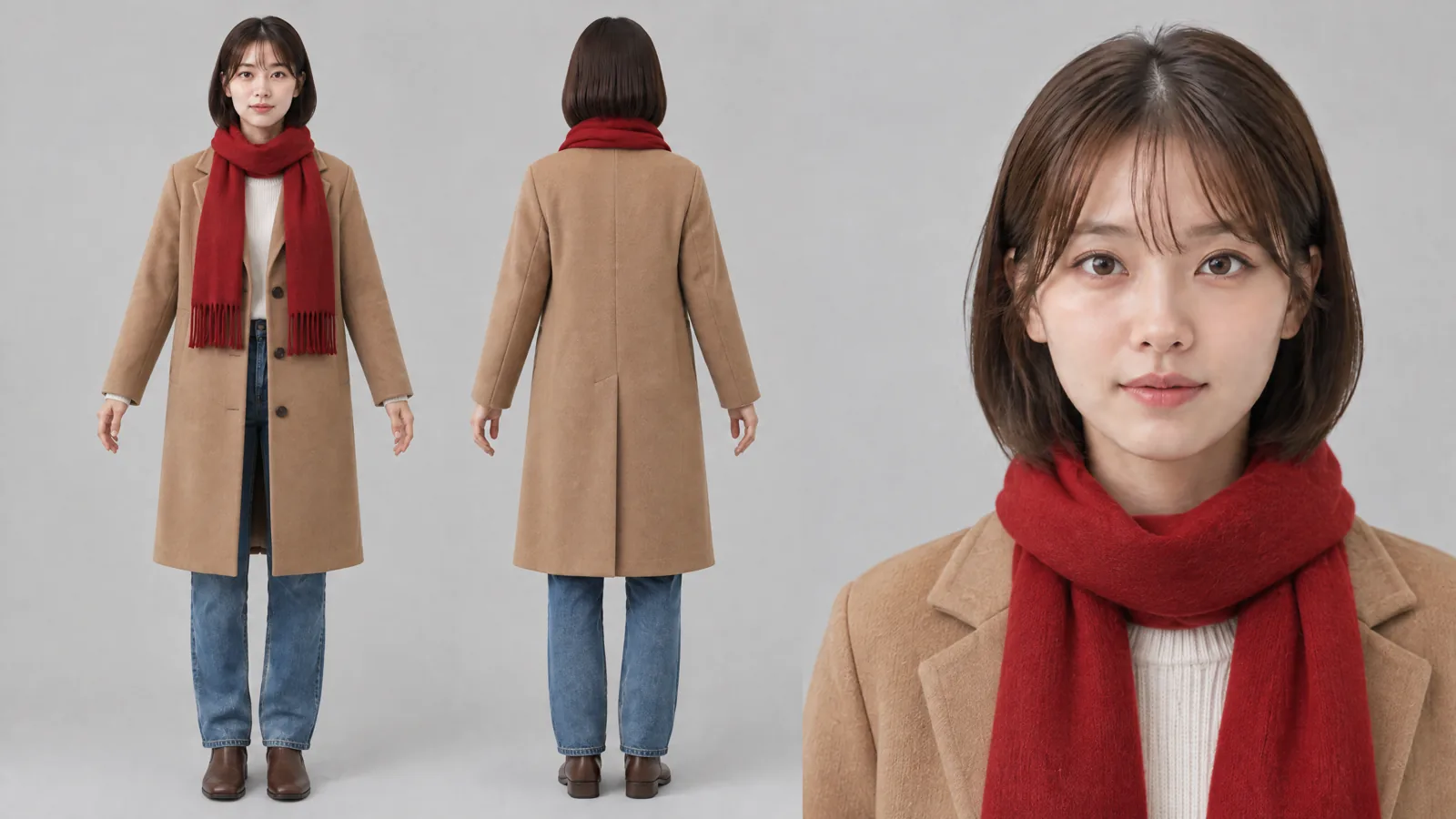
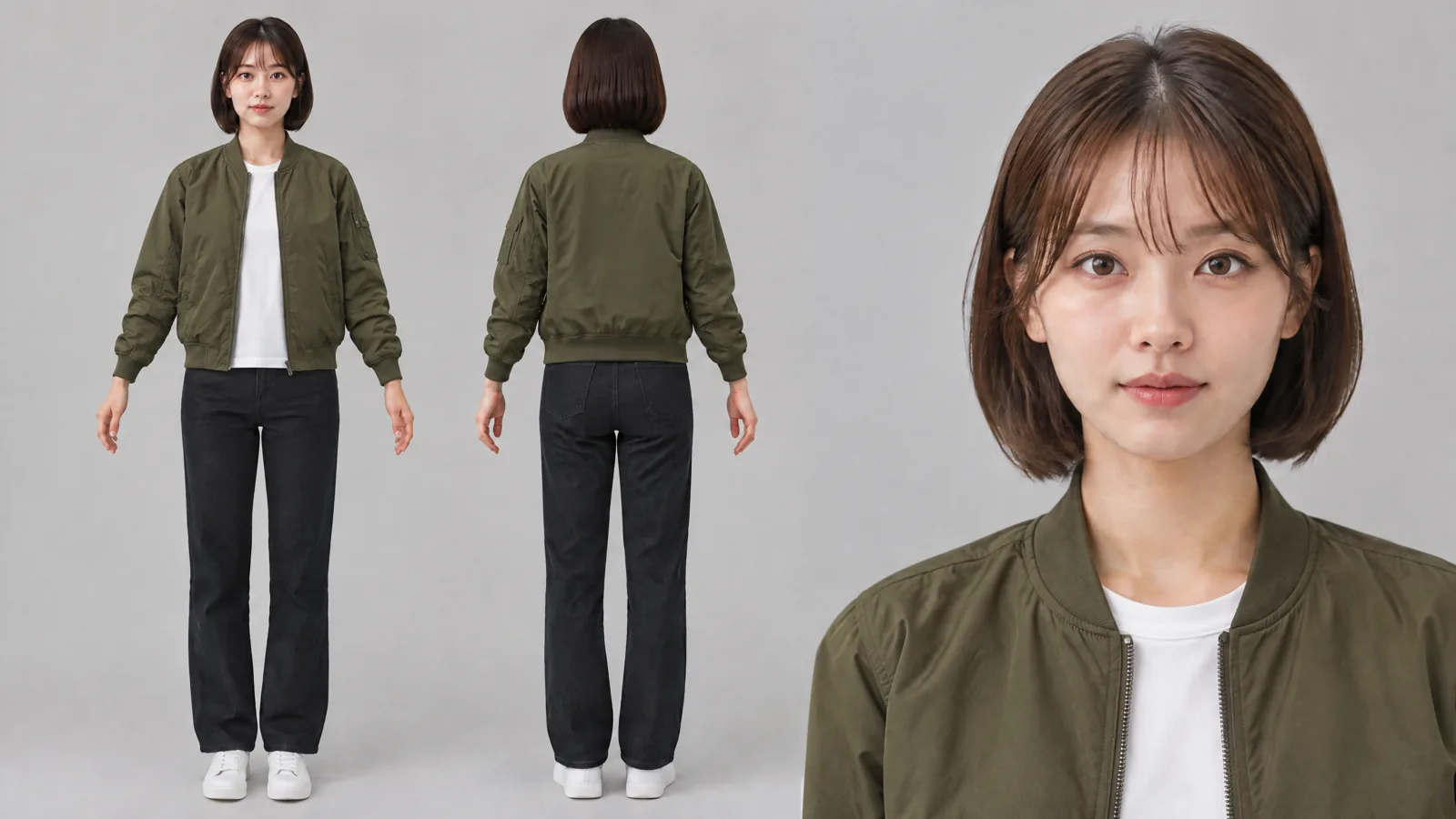
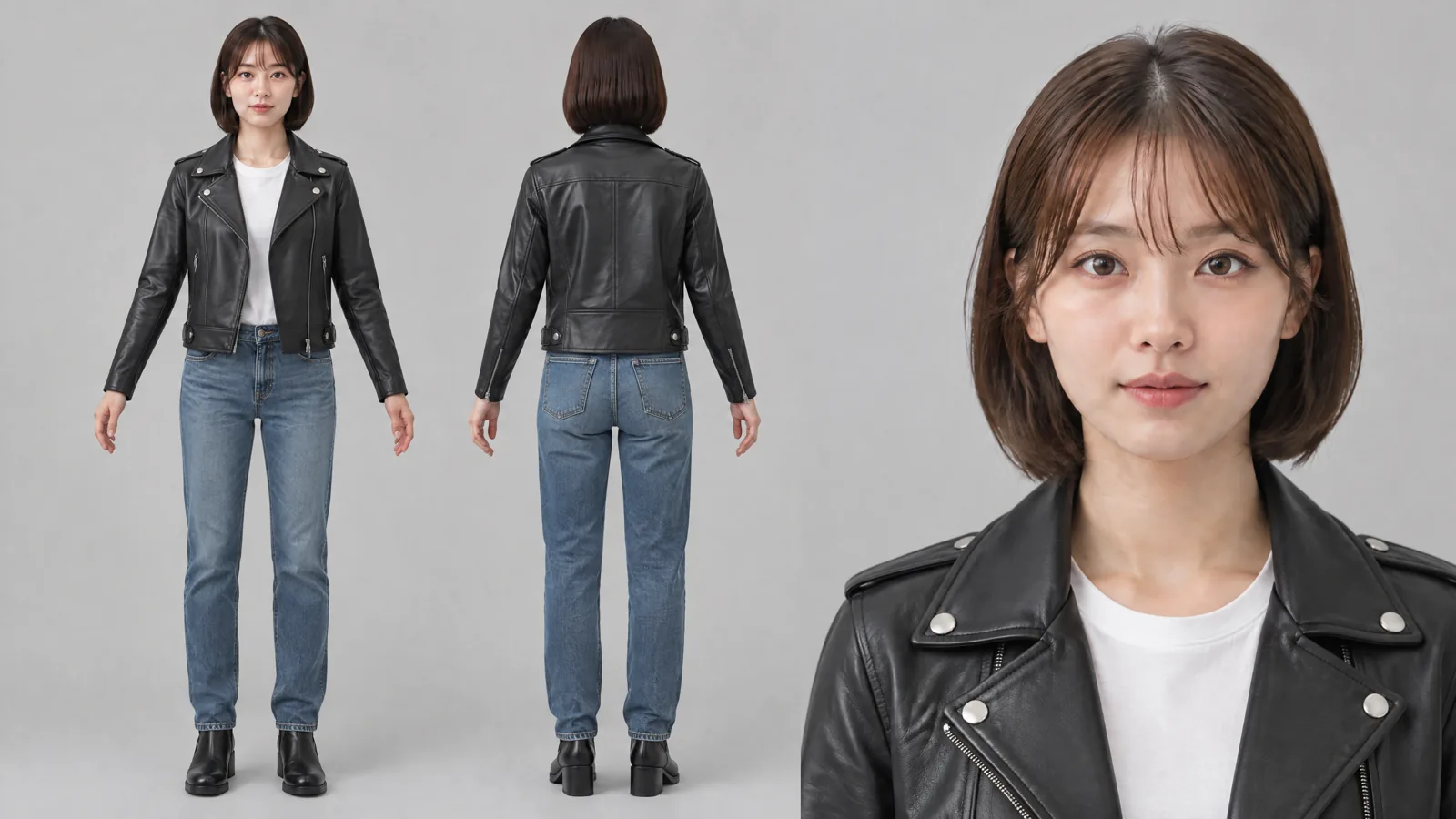
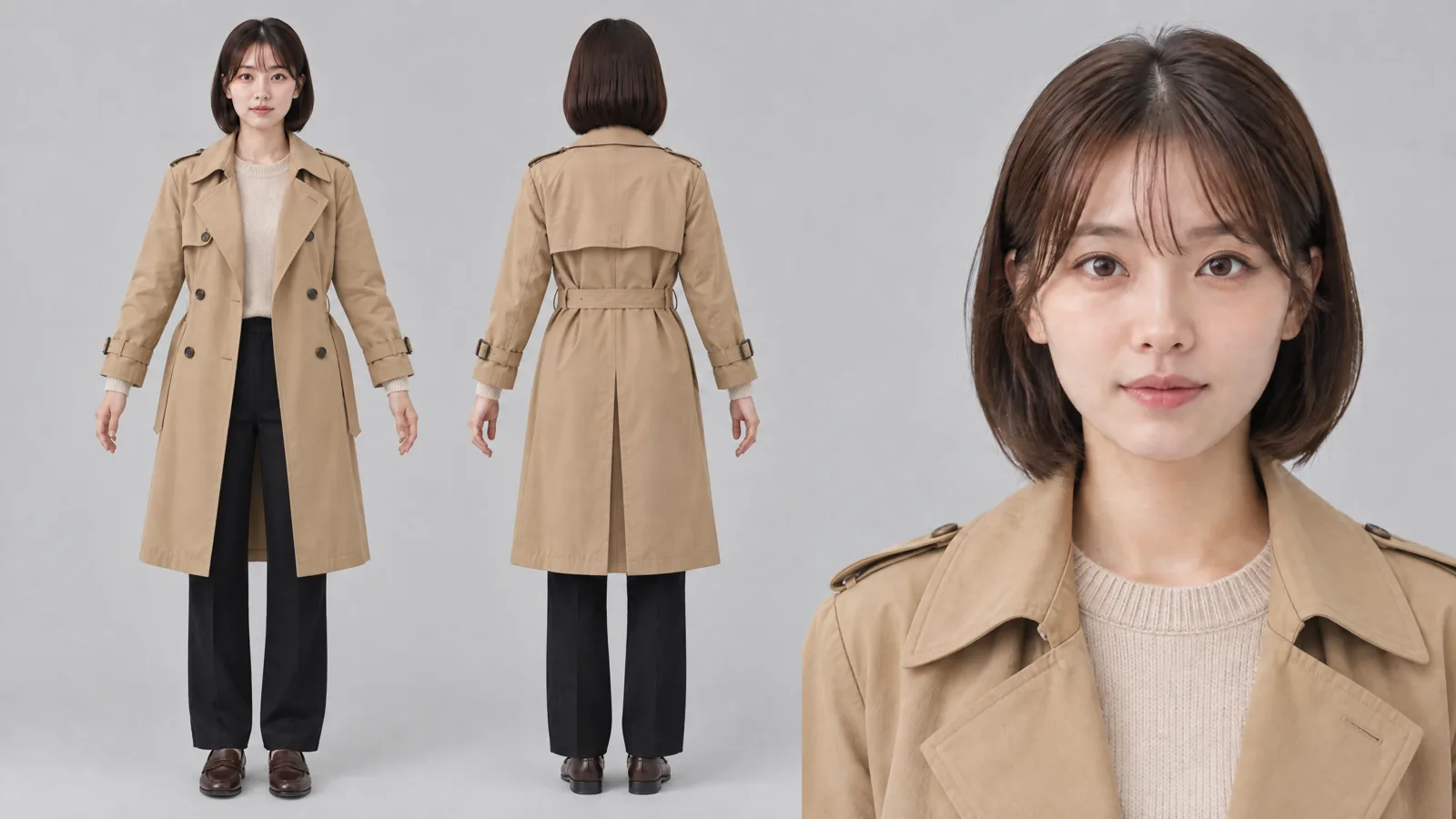
Same-face series
 One face reference→ Only the scene changes


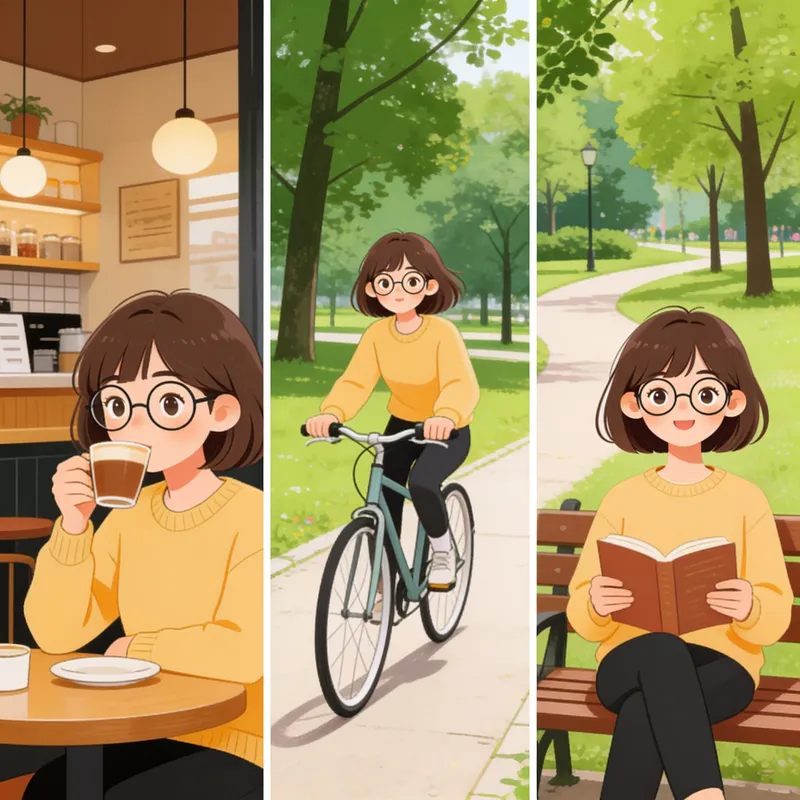
One face, six countries
 One face reference→ Travel snaps


3D previz, in Blender
Describe a shot and it becomes a 3D previz. The final video follows that camera path.
- 1Describe the shot and Blender renders a clay previz.
- 2Check the camera and layout with the 3D view.
- 3Use the previz as the reference for the final video.
Director review and render costs are shown before running.
Motion graphics from one brief
It watches the footage, plans the piece, then builds it. Fixes touch only the part you name.
The concept card and build cost are shown before running. On-screen text is read back and checked by the server.
Other ways in
Just drop a link
Paste a reel or product URL. It reads it, then asks.
 ✦ I read the caption and thumbnail. Keep this tone, or swap just the product?
Turn a flow into a recipe
Save the chat as a recipe and rerun it with a new photo.
Also only here
What will you create today?
Just say your idea. From images to video, XBRUSH starts right away.